Introducing Active Intelligence 3.0: Wavelength
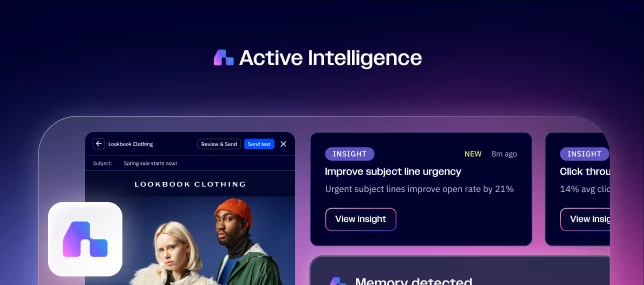
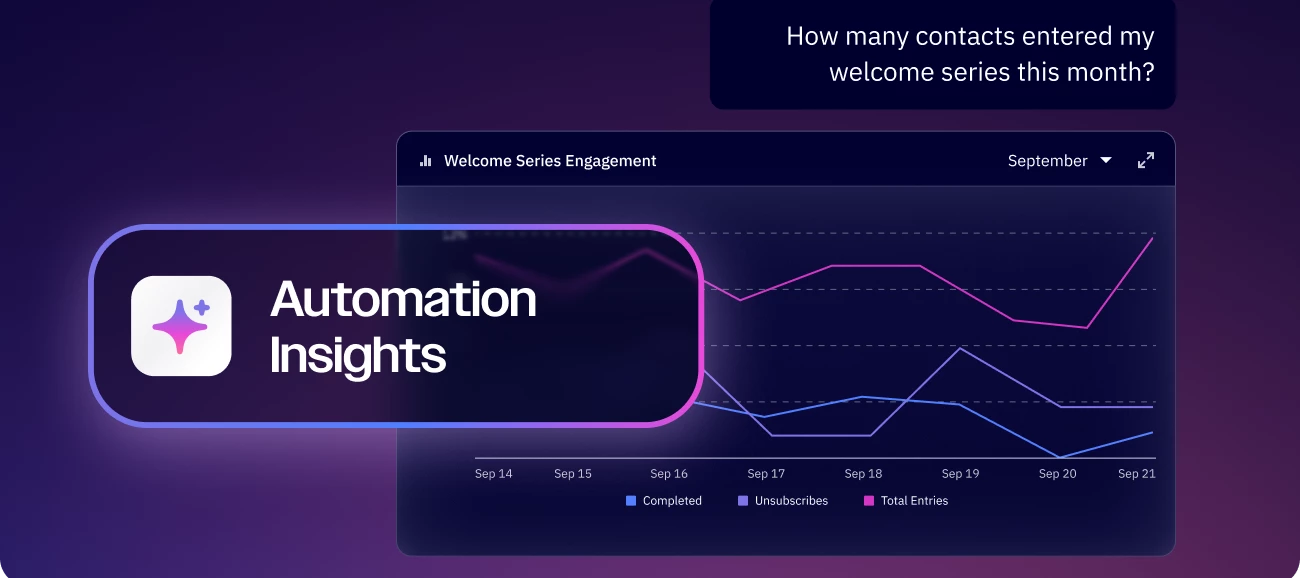
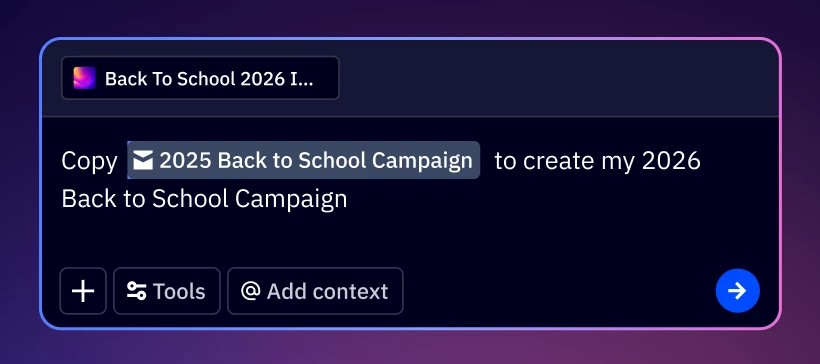
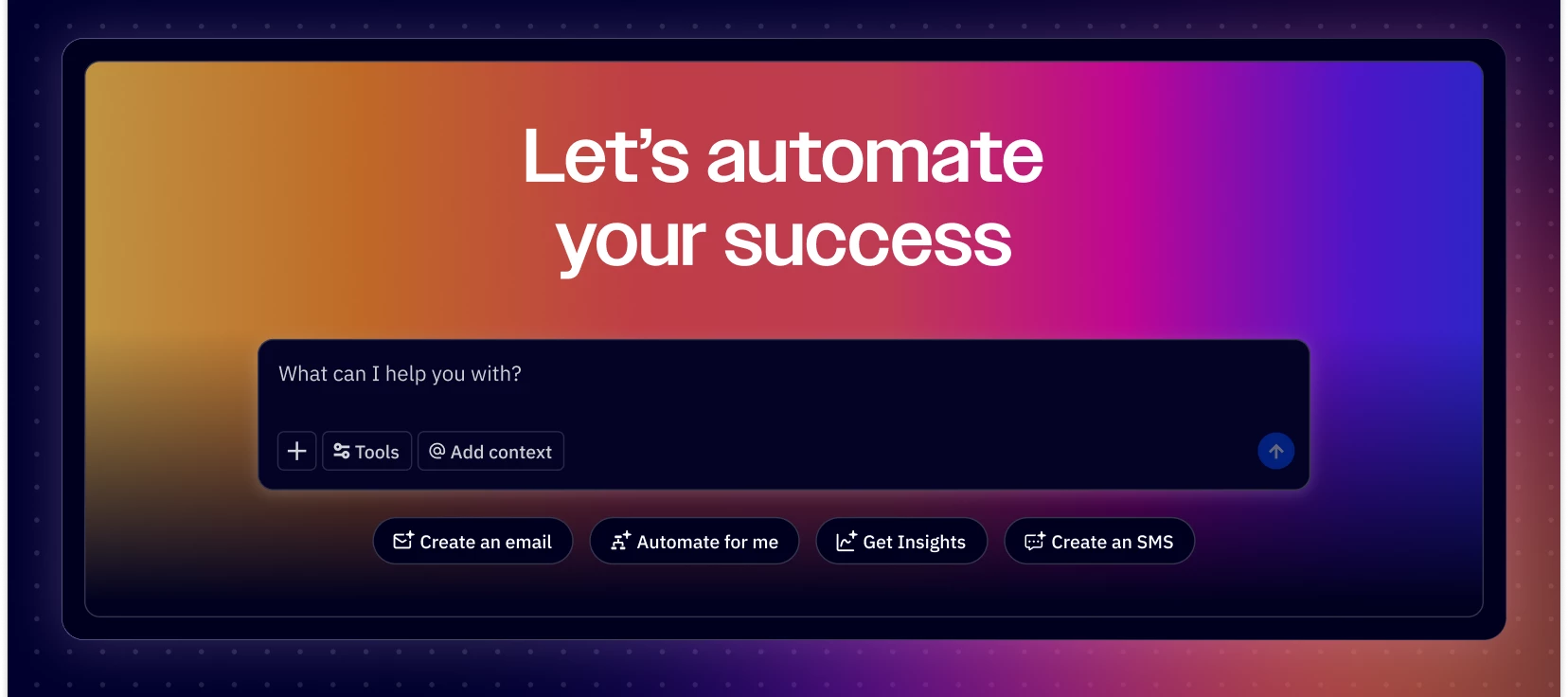
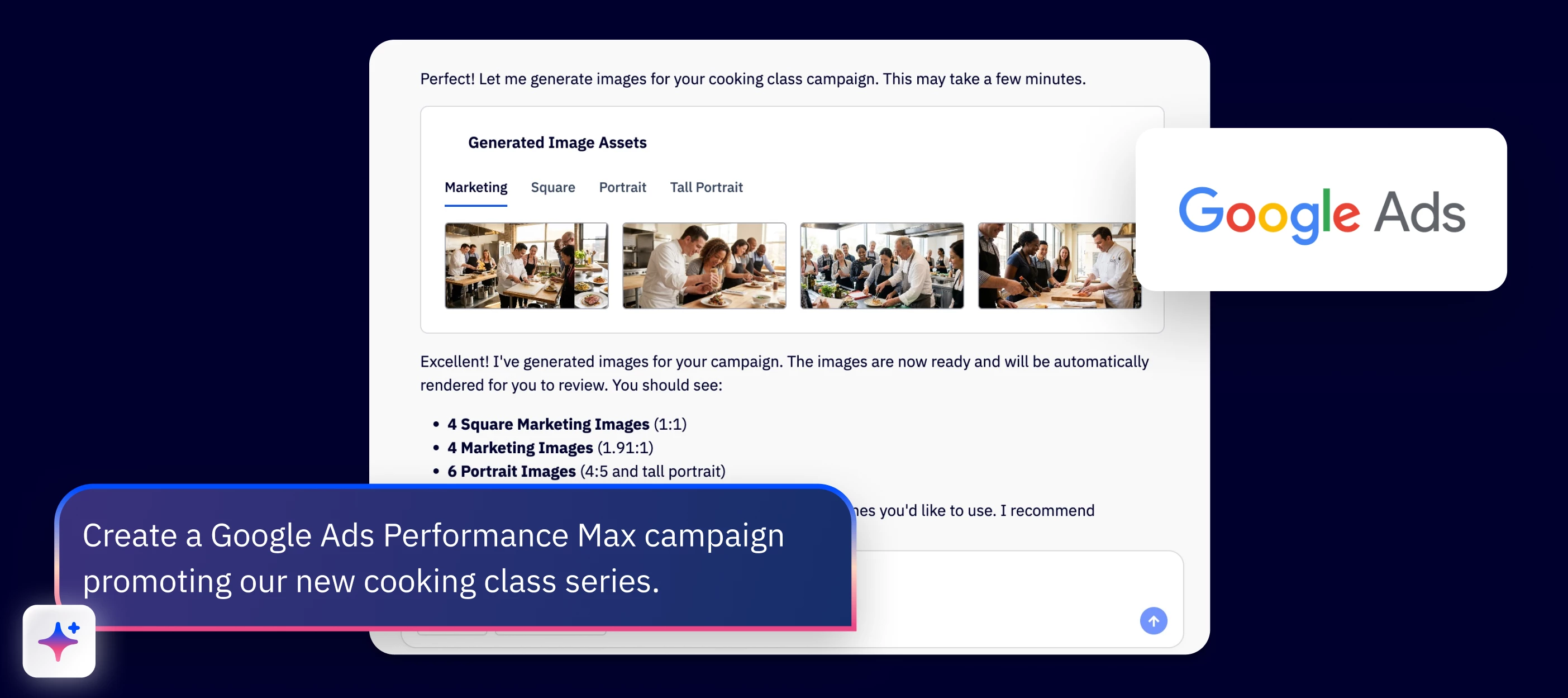
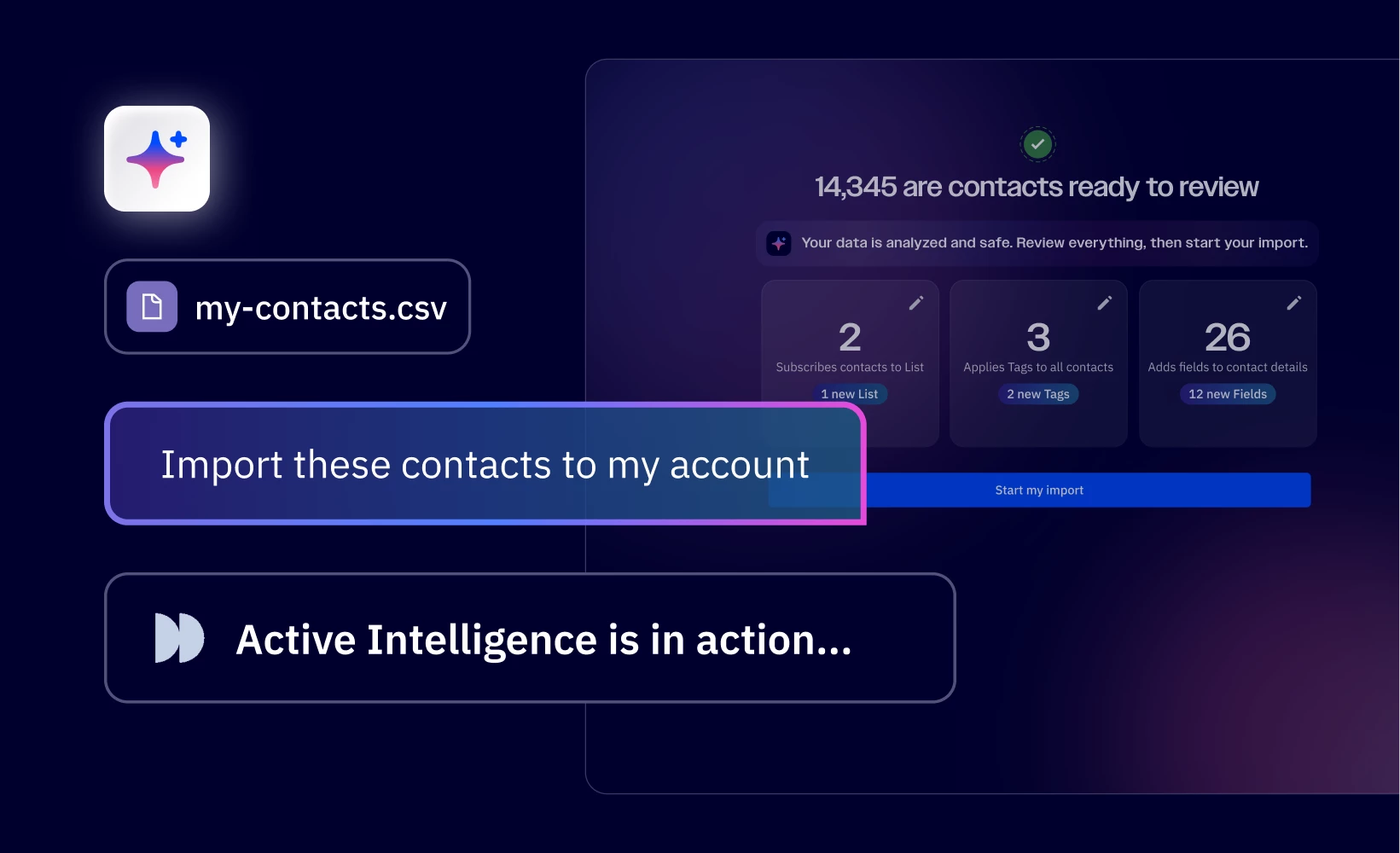
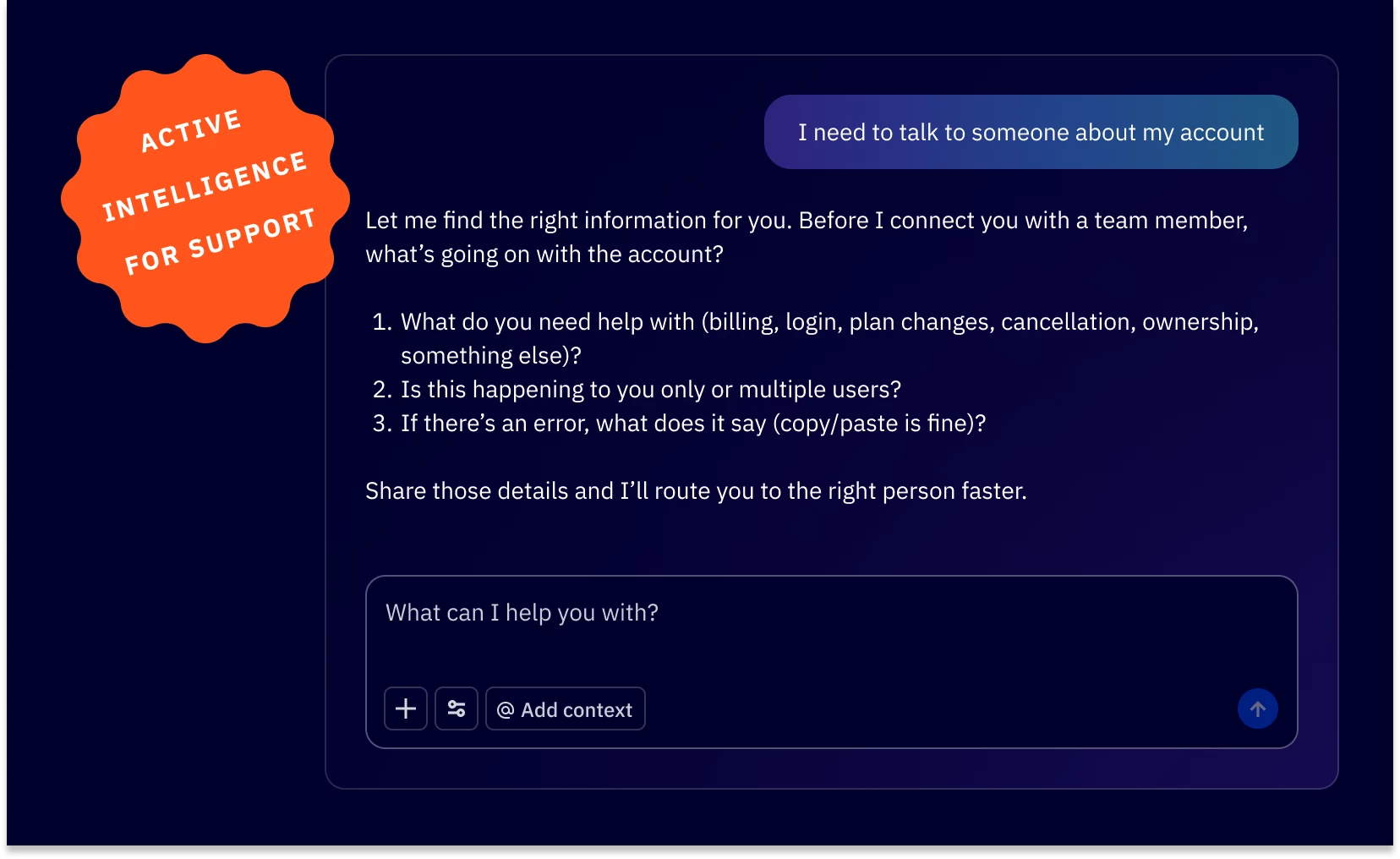
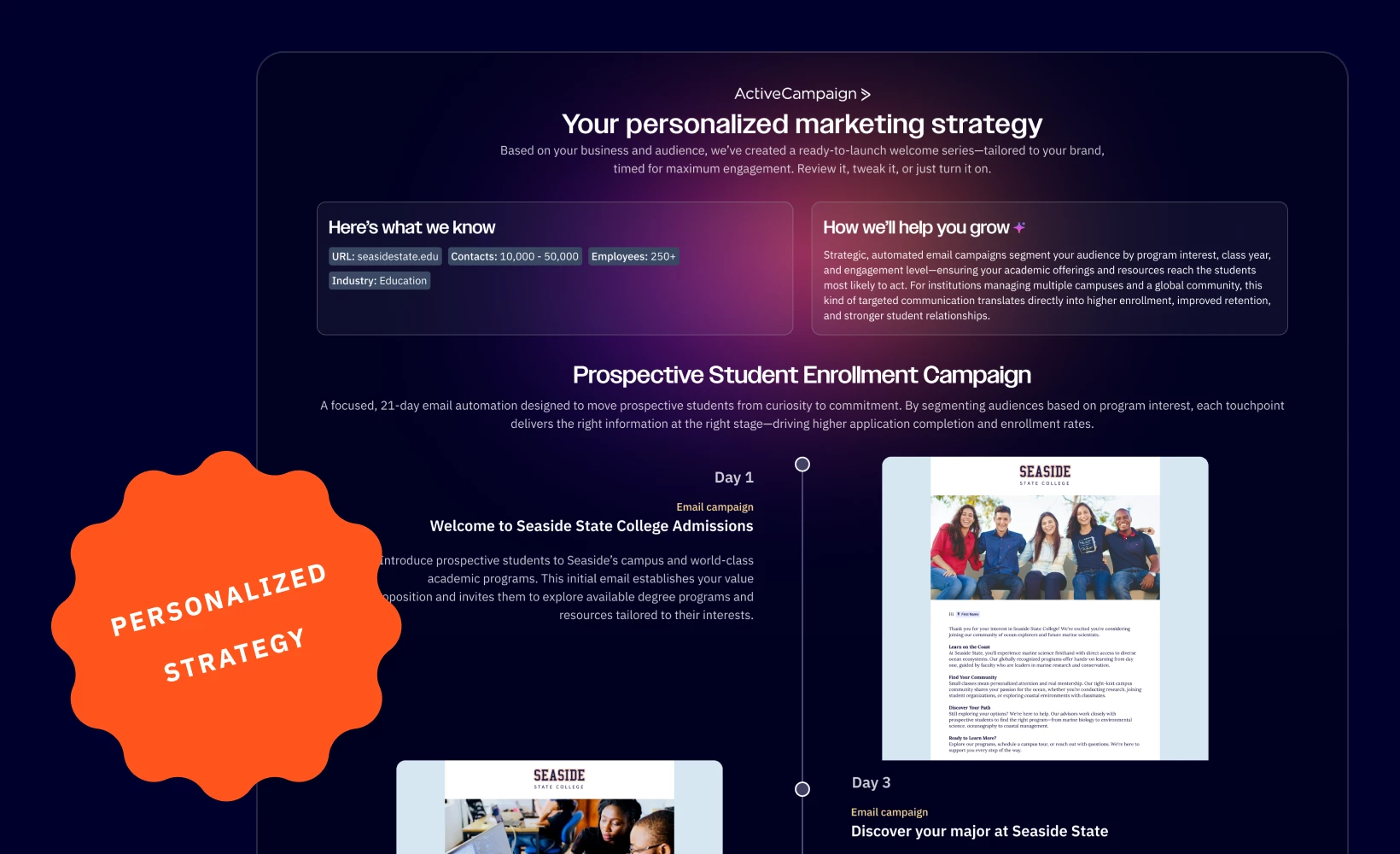
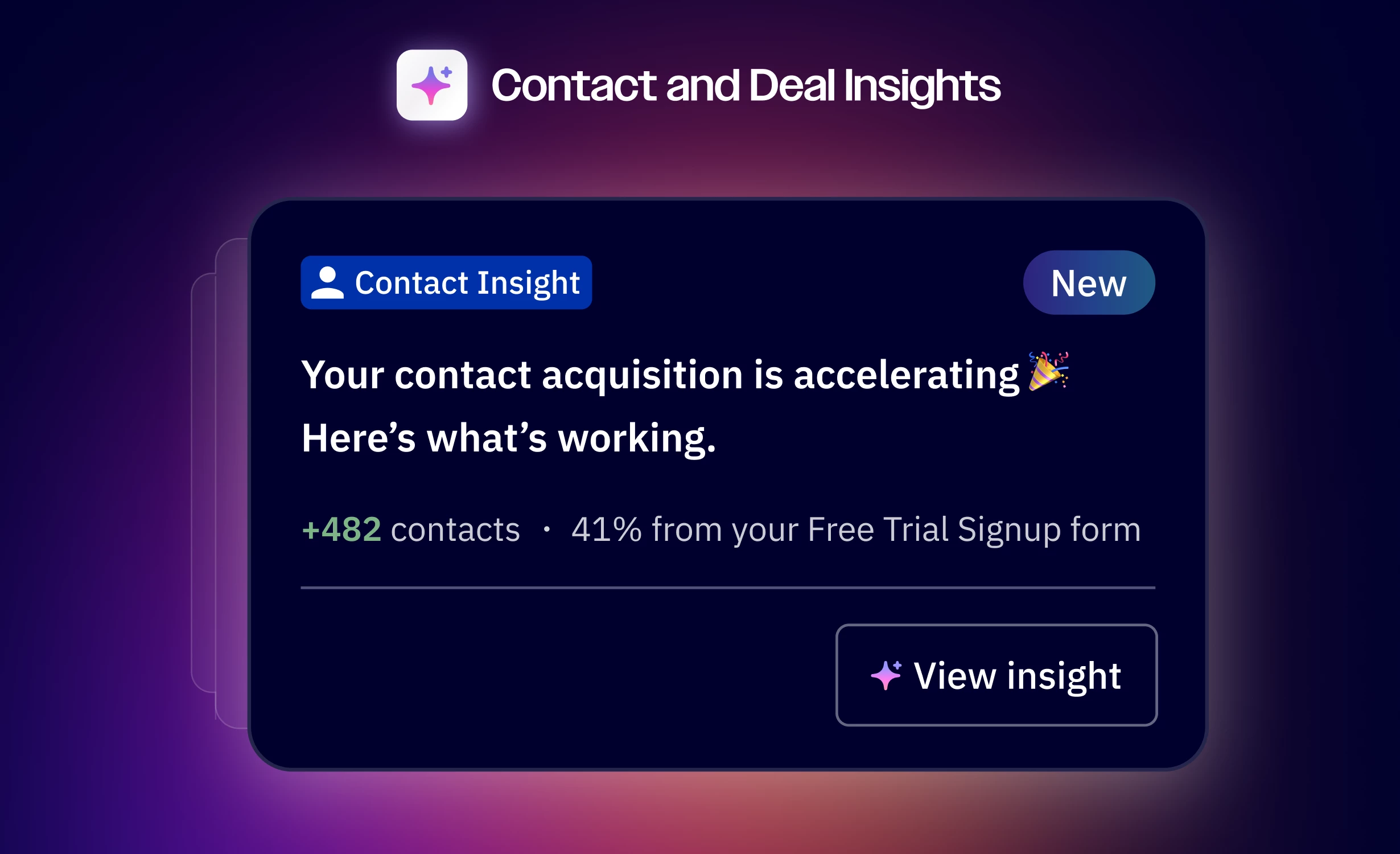
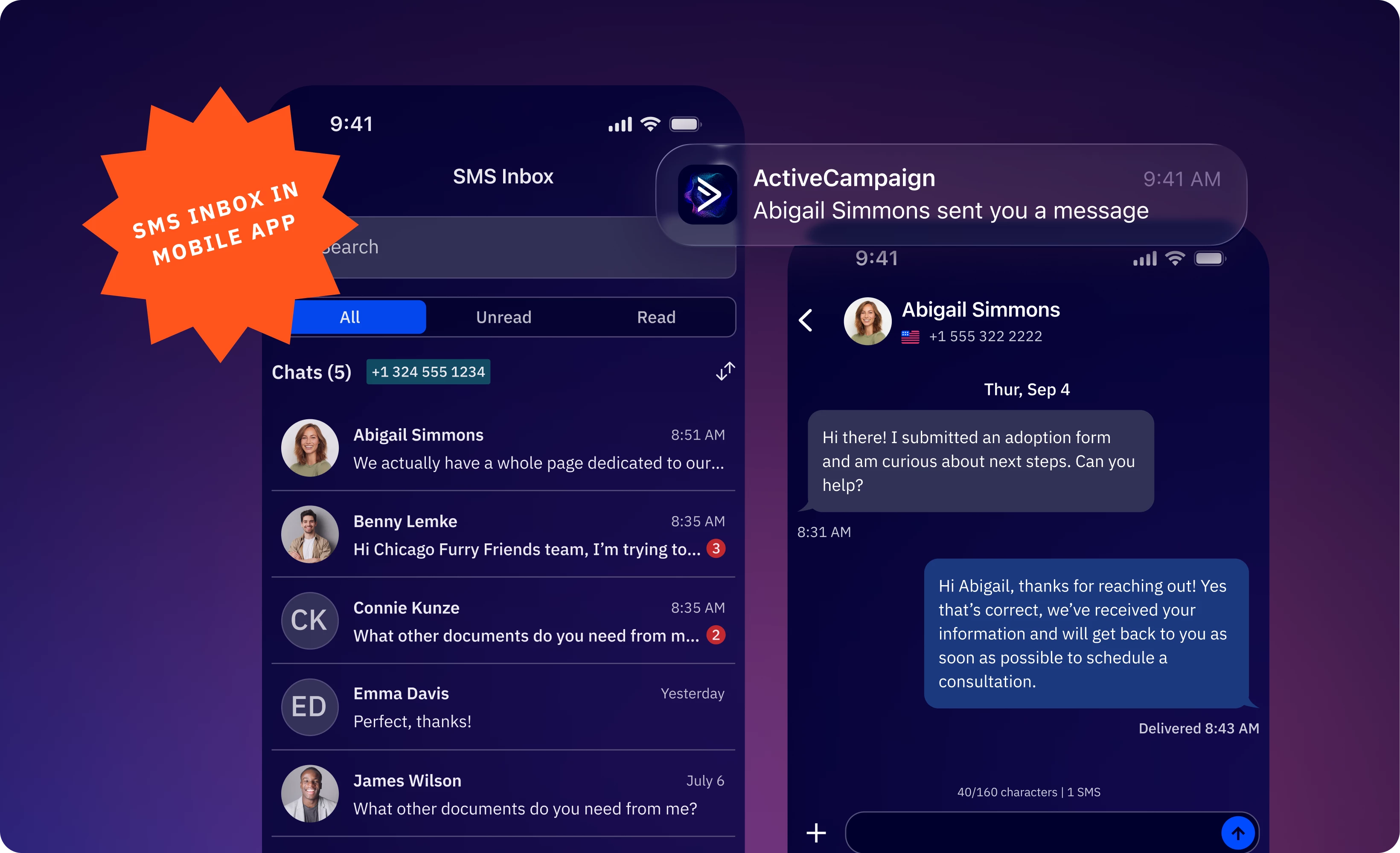
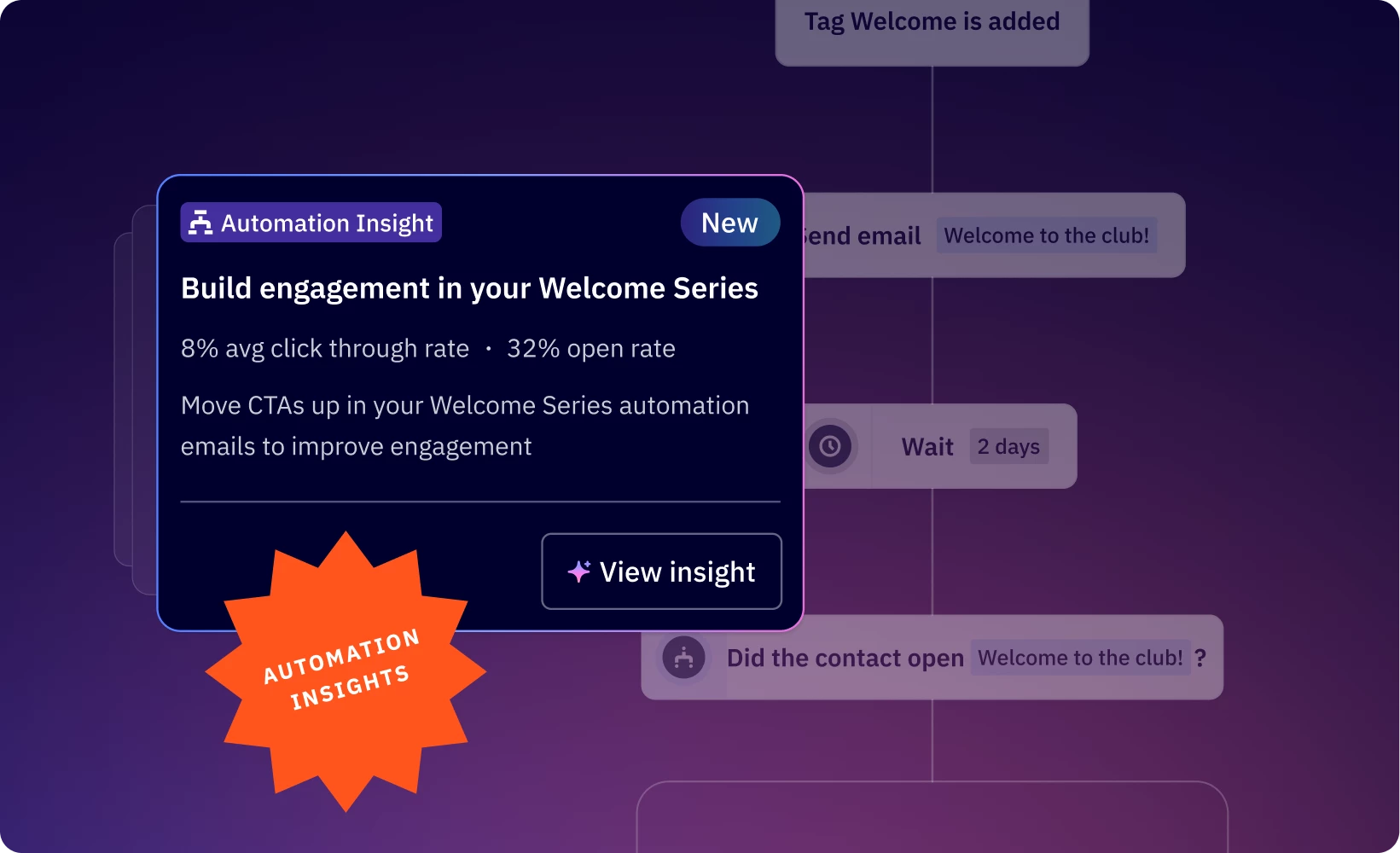
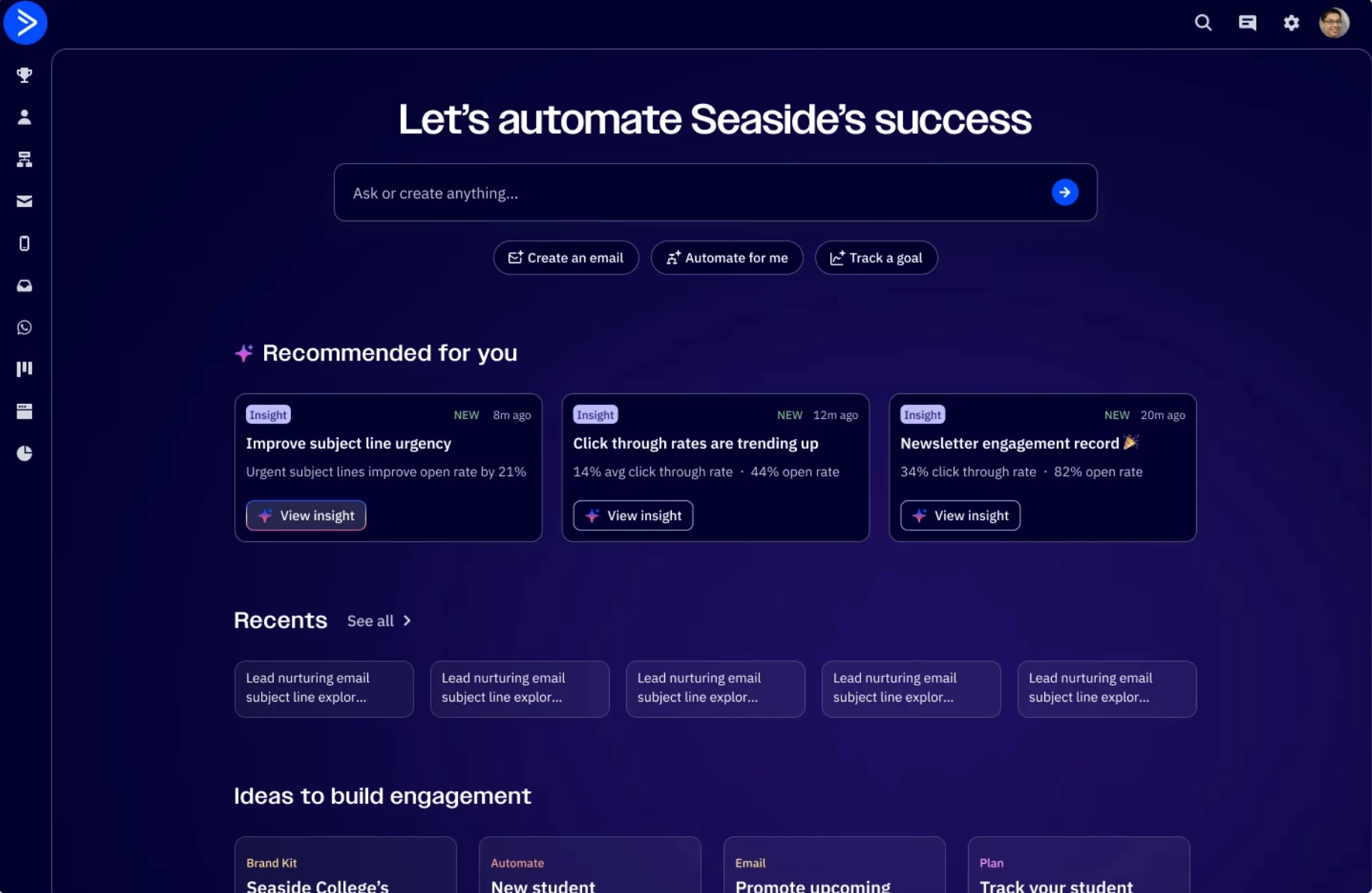
Hi ActiveCampaign Community!Introducing Active Intelligence 3.0: WavelengthWe're excited to introduce Active Intelligence 3.0: Wavelength, a more proactive way to bring intelligence into your marketing.Active Intelligence 3.0: Wavelength learns from your account history, automations, performance patterns, audience behavior, and brand to help surface the right next move — not just wait for the next prompt.With Wavelength, you can explore capabilities like:Proactive campaign drafts and ideas Scheduled insights and recurring tasks Automation monitoring to help surface issues earlier External intelligence and relevant market signals Recommendations grounded in what's working for your businessHere's what that looks like in practice:Go longer than usual without sending? Active Intelligence can recognize the gap and surface campaign ideas based on what's worked in your account before. An automation stalls? Active Intelligence can flag it before more contacts move through a broken step. Update your website messaging? Active Intelligence can bring that change into the marketing conversation so your brand stays aligned. Run the same performance check every week? Active Intelligence can run that check on a schedule instead of waiting for another prompt. A competitor shifts direction? Active Intelligence can bring that outside context into your next campaign decision.You're always in control - you review, edit, approve, and send. Wavelength surfaces the ideas and does the groundwork; you make the call.The goal is simple: help you make more relevant decisions, create marketing that fits your audience, and drive stronger engagement. See everything that's new: activecampaign.com/product-updatesWhat would you want Wavelength to help you spot, create, or act on first? Drop your thoughts below👇