
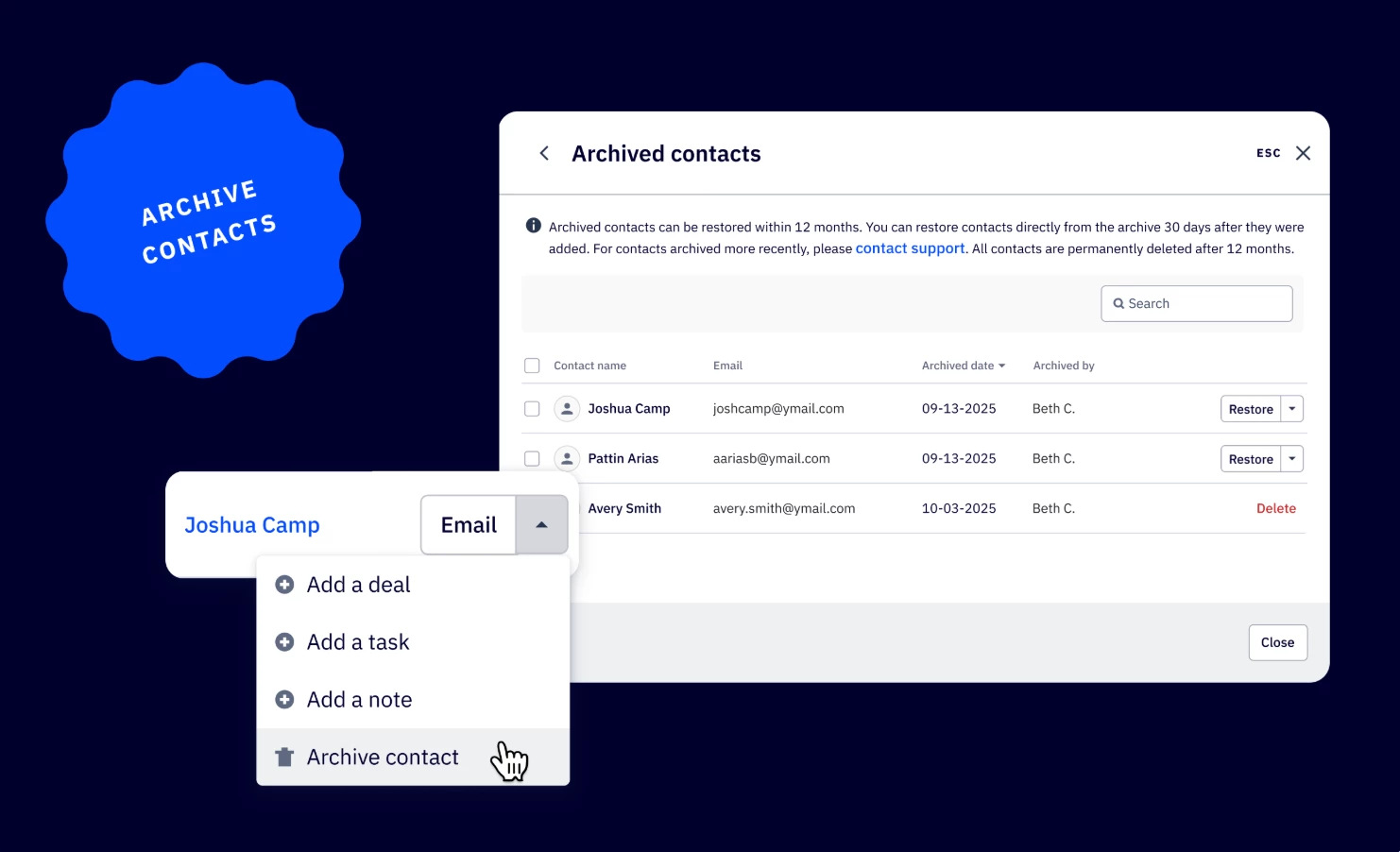


We are excited to announce the release of archiving contacts in ActiveCampaign. This new feature provides a more flexible way to manage your contact database instead of permanently deleting a contact. Archived contacts are retained for one year and do not count toward your billable contact limits, giving you better control over contact management and billing compliance.
Key Features
- Archive contacts
Move contacts to an archived state, removing them from your active contact count. - Restoration
Restore archived contacts back to active status (subject to a 30-day restriction). - Bulk action
Archive up to 100 contacts per page, matching the current delete functionality. - Retention Period
Archived contacts are automatically and permanently deleted from the system after one year.
Benefits
- Improved contacts management
Safely remove contacts from your active list without permanent deletion, preserving data and providing a recovery option. - Maintain billing control
Archived contacts do not count as billable contacts, helping you manage costs and stay within your plan's contact limits. - Streamlined compliance
The one-year automated cleanup helps maintain database hygiene and aligns with data retention practices.
Upgrade and/or Setup Instructions
No upgrade or setup is required. The "Archive" button will appear alongside existing options in your Contacts interface.