
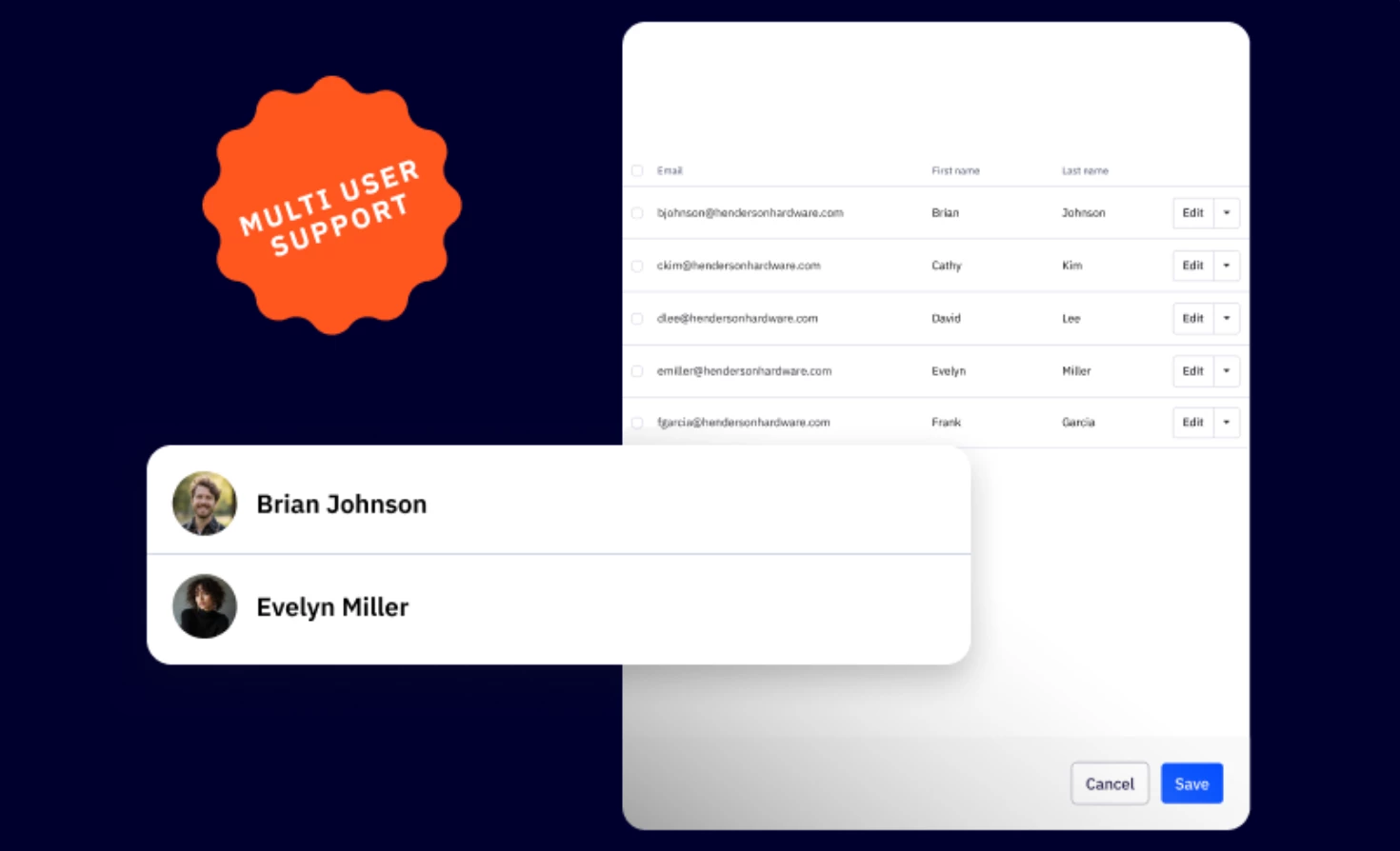


We are thrilled to announce the introduction of Multi-User Access for the ActiveCampaign Partner Portal—our most requested partner feature! This release empowers partners with secure, individual access management by enabling you to provision unique login credentials for each team member, eliminating the need to share passwords and MFA codes.
Key Features
- Unlimited User Access
Add unlimited users to your partner portal account, each with their own unique login credentials and email address for secure, individual access - Comprehensive User Management
Add, edit, and delete users directly from the new Users page in your portal, with full visibility into all team members who have access to your account - Individual Authentication
Each user receives their own email-based login and MFA verification, creating a proper audit trail and eliminating credential sharing - Flexible User Administration
Search, sort, and manage users with an intuitive interface that includes bulk delete capabilities and easy password management for your entire team
Benefits
- Enhanced Security & Compliance
Eliminate the security risks and compliance issues associated with shared credentials, providing each team member with their own secure access - Simplified Team Management
Quickly onboard new team members or remove access for departing employees without disrupting other users or changing shared passwords - Improved Team Collaboration
Enable your entire partner team to access the portal simultaneously without coordination, allowing everyone to work efficiently on their own schedule
Upgrade and/or Setup Instructions
Multi-User Access is now available to all partners at no additional cost. To get started, log into your Partner Portal and navigate to My Partner Account → Users to begin adding team members. Click the "Add a new user" button to create user accounts with unique credentials for each team member.