  • 117 Product updates
Introducing the New Segments Experience (September 30, 2024)

Introducing the New Segments Experience (September 30, 2024)

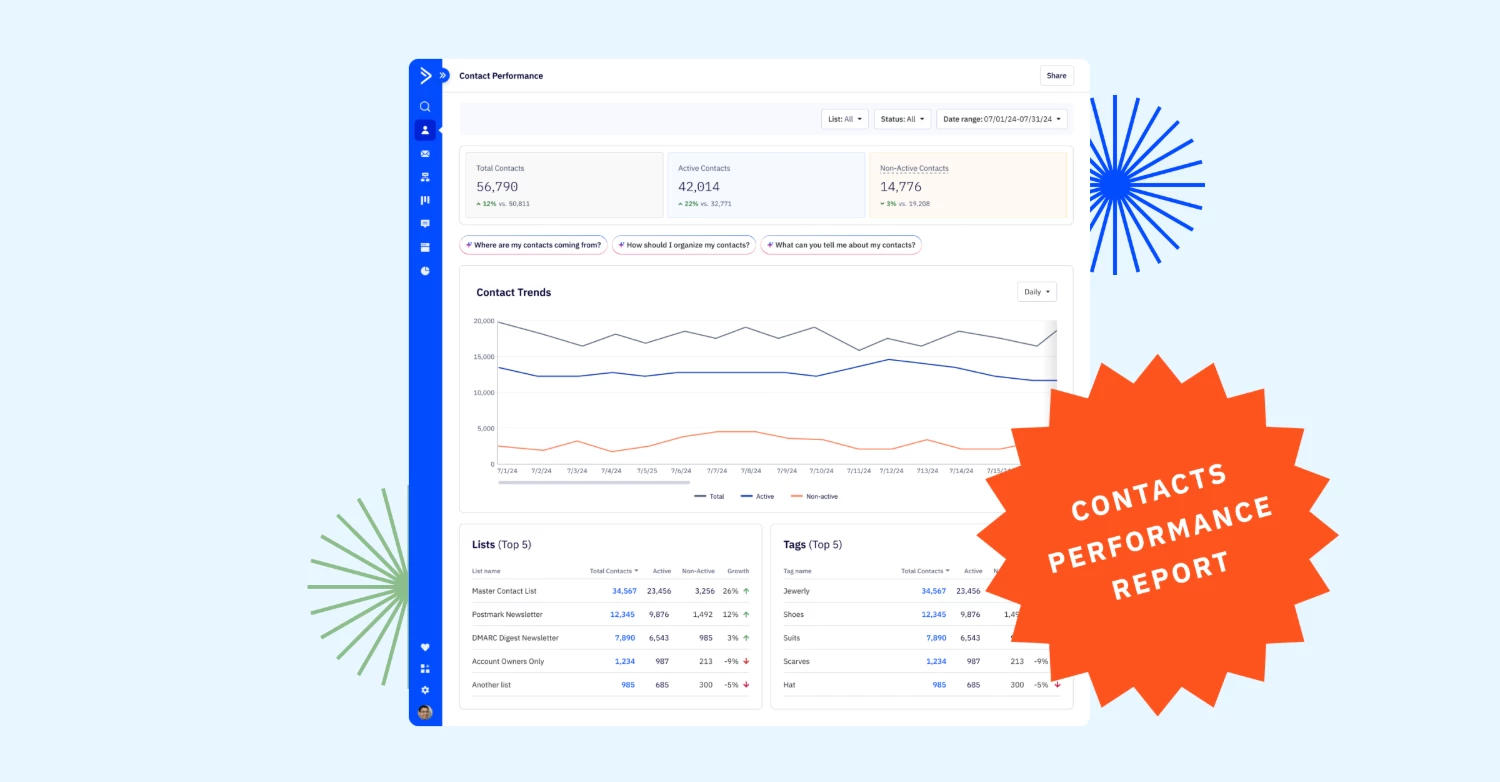
We're thrilled to introduce the new Segments Experience! With key improvements in segment creation, management, and AI-assisted targeting, you'll now have greater flexibility and control over how you connect with your audience. Key FeaturesNew Segments overview page Easily view active and total contacts for each segment, helping you to organize, manage, and find your audiences more quickly. Your existing segments are under Lists ready to be converted. AI-suggested segments AI automatically generates three segments based on your customers' behavior and data, saving you time and effort while enabling more precise targeting. Simplified recipient selection Choose recipients from list(s), saved segments, or tags- all in from the campaign workflow page. One-time custom conditions Apply custom conditions for one-off sends without needing to save them as segments, reducing clutter from being needed to save every send. Saved Segment Library Save and reuse your most valuable segments across campaigns with just one click.Benefits Save time No need to recreate segments for each campaign or automation. Quickly access and apply AI-suggested segments or saved segments from the library. Increase flexibility Send with custom conditions on the fly without having to save the new segment, offering more agility in targeting. Maximize reusability Easily reuse high-performing segments across campaigns and automations to maintain consistency and efficiency in your marketing. Improve organization Organize your most-used segments into the new segments overview page for better accessibility and reusability across the platform. Improve efficiency Save time and optimize your marketing strategies by using AI to identify and target the optimal audience segment with minimal manual effort. Boost engagement Reach the right audience with tailored messaging for higher engagement and better conversion. Upgrade InstructionsAvailable for all customers.Follow these steps to convert your legacy list segments into the new segments overview page and the saved segment library: Navigate to contacts from the main dashboard Select Lists from the sub navigation  Select the segments you want to convert and add into the new segments overview page Once selected, click “Convert to Segment” button Go to the Segments tab in the sub-navigation to see all your converted segments in one place. Additional ResourcesHelp center articles:Get started with segments in ActiveCampaign Manage saved segments Create and save segments Convert your legacy list segments to the new segments experienceArticles on campaigns and using tags:Create and send a campaign How do I send a campaign to a tag?

Related products:Segmentation
Introducing BotSense (September 30, 2024)

Introducing BotSense (September 30, 2024)

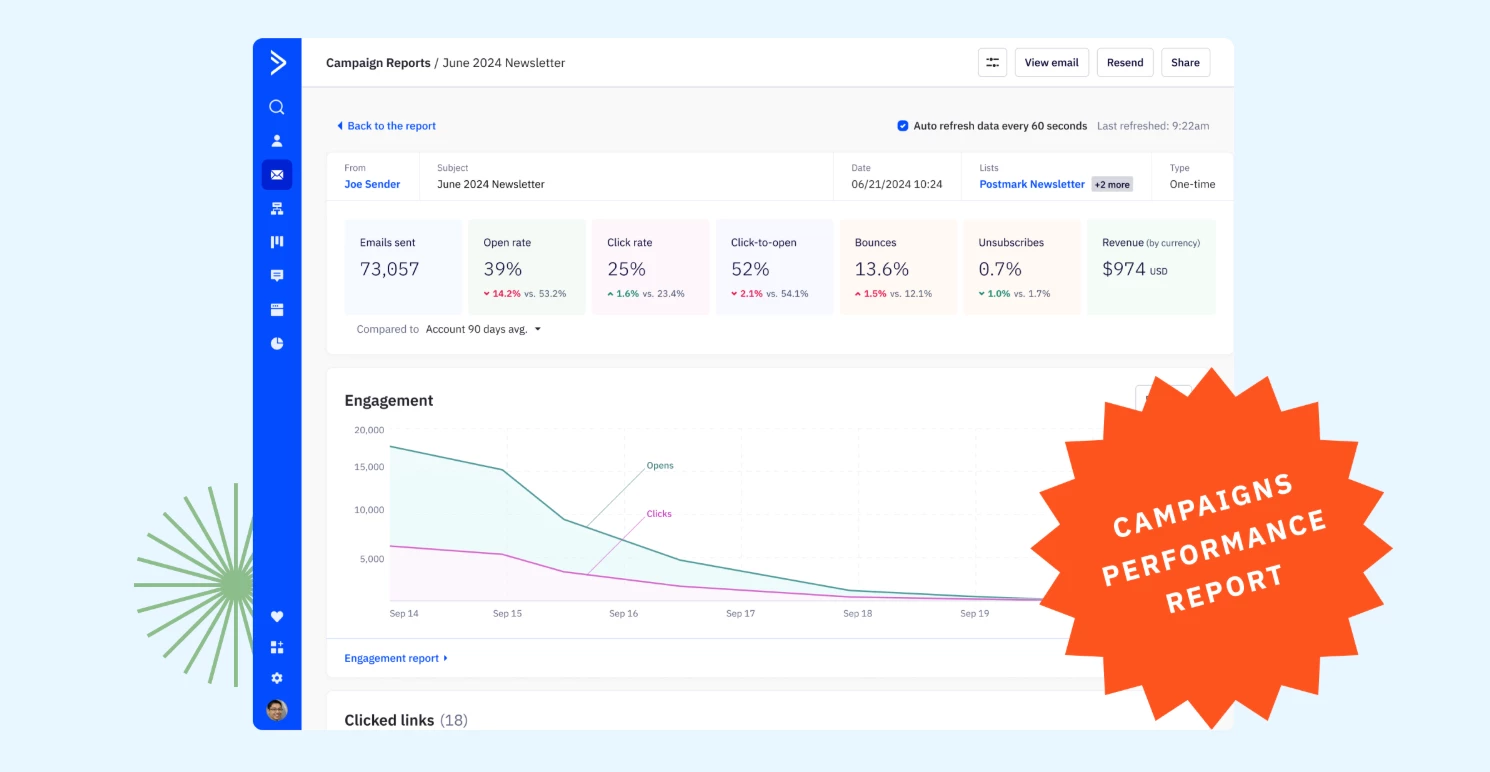
We are excited to announce the release of BotSense, now available in Reporting for all customers. This new feature offers accuracy by filtering out invalid data, ensuring your metrics reflect genuine user engagement and improving overall campaign effectiveness. Key FeaturesBot Detection Accurately filters out bot-generated email opens and clicks to ensure your metrics reflect genuine user engagement. Seamless configuration Easily activate or deactivate bot detection with a single dropdown, applying changes immediately across all reporting.Benefits Improve campaign and automation accuracy Enable BotSense to filter out bot-generated opens and clicks, ensuring your metrics reflect only genuine engagement for a more accurate view of campaign performance. Optimize lead nurturing for long sales cycles Gain a clear view of your sales funnel by focusing on genuine lead interactions, helping your sales team target leads with real interest and boost conversion rates. Accurate customer engagement insights Remove bot-driven activities to ensure engagement metrics accurately reflect customer behavior, allowing you to refine segmentation and personalize messaging strategies effectively. Upgrade InstructionsAvailable for all customers on Pro and Enterprise.  Additional ResourcesFilter out bot clicks with ActiveCampaign's BotSense Filter suspected bot clicks within reports Why does my campaign have so many link clicks? 5 Effective Strategies to Handle Bot Clicks in Email Marketing

Related products:Reporting
Action Updates: Send 1:1 Email, Notification, & more (September 27, 2024 )
New Conversions Update (September 24, 2024)

New Conversions Update (September 24, 2024)

We’ve given conversions a fresh look to streamline and simplify the process of creating conversions. This update aims to enhance your experience, making conversions more intuitive and flexible to use. All existing conversions will appear in the new view and no actions needed. Key FeaturesTrigger conversions based on conditions You can now trigger conversions based on custom contact conditions, adding flexibility to existing options of Javascript, URL visits, and custom events for more effective engagement. Note: A contact can only convert once per custom condition conversion event. Once a contact meets the conditions, it converts and won't be evaluated again. Set conversion value via contact custom fields In addition to setting a static conversion value, you now have the option to dynamically assign a value based on the contact’s custom field data. This enhancement allows you to provide more accurate and personalized insights compared to static values. Dedicated Conversions page The updated page will offer a clearer view of each conversion, including what the conversion is, the value and settings. See which automations trigger the conversion from a convert action or a goal action. BenefitsSimplified process New conversion page makes it easier and more user-friendly to create and configure conversions. Greater flexibility Trigger based on custom contact conditions, offers more tailored engagement. Improved efficiency Set conversions based on contact custom fields for more personalized tracking and insights. Upgrade and Setup InstructionsAvailable Pro and Enterprise Additional ResourcesWhat is a conversion? How do I create a conversion in ActiveCampaign? An overview of attribution How does ActiveCampaign Attribution work? How to trigger a conversion in automation?

Related products:Automation
Action Updates: Update deal title, stage, and more (September 12, 2024)
New Campaign Calendar View (September 10, 2024)

New Campaign Calendar View (September 10, 2024)

One of our most requested features is finally available. We are excited to announce the release of Campaign Calendar View, now available in the Campaigns tab, designed to streamline your campaign planning and management process.  Key FeaturesNew calendar view Visualize your scheduled email campaigns in a calendar format, with the options to view by Day, Week, or Month. Easy editing See all your scheduled campaigns at a glance, with clear indicators for split tests. You can also click on any scheduled campaigns to quickly access and edit its details. Create new and review past campaigns Click on today’s date or future dates in the calendar to create a new campaign. By selecting a future date, the new campaign will automatically set a scheduled date. Select any past campaigns to see the campaign preview and campaign details. Filtering for concise view Filter your campaigns by time or list to ensure you’re targeting the right audience and avoid list fatigue. BenefitsImproved visibility View all your past, present, and future campaigns in one view, helping you spot gaps or overlaps in your campaign schedule. Better planning Visualizing your campaigns by day, week, and month enables more strategic planning, ensuring you’re delivering the right messages at the right time. Improved efficiency Quickly access, edit, or create campaigns directly from the calendar, saving time and streamlining your workflow. Upgrade and Setup InstructionsStarter Tier View this and next month's campaigns. Plus Tier and above Access to a full year of campaigns Additional Resources How to access the Campaigns Calendar?

Related products:Campaigns
Action Updates: Split, Start/End, Add Note, and more (September 5, 2024)

Action Updates: Split, Start/End, Add Note, and more (September 5, 2024)

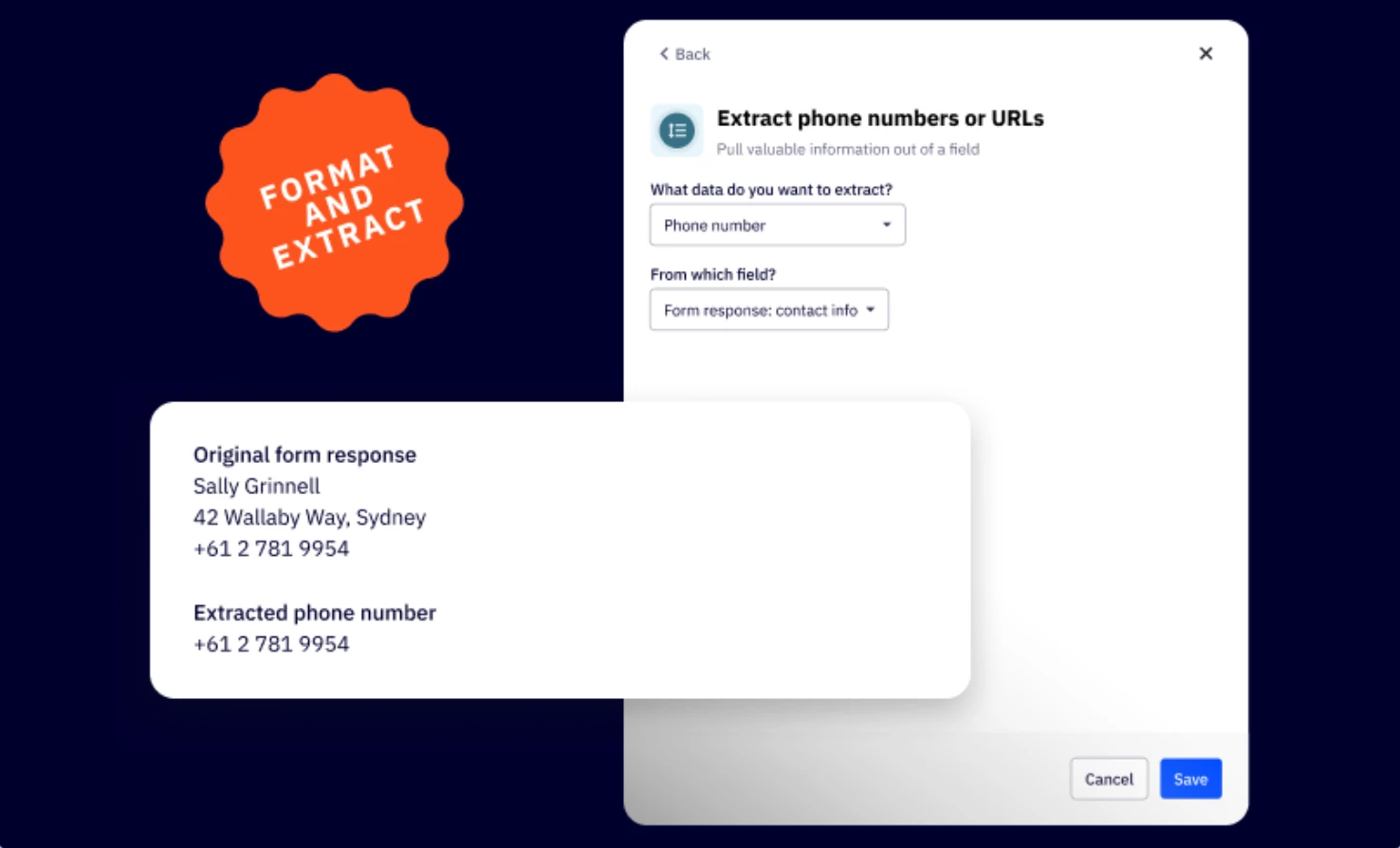
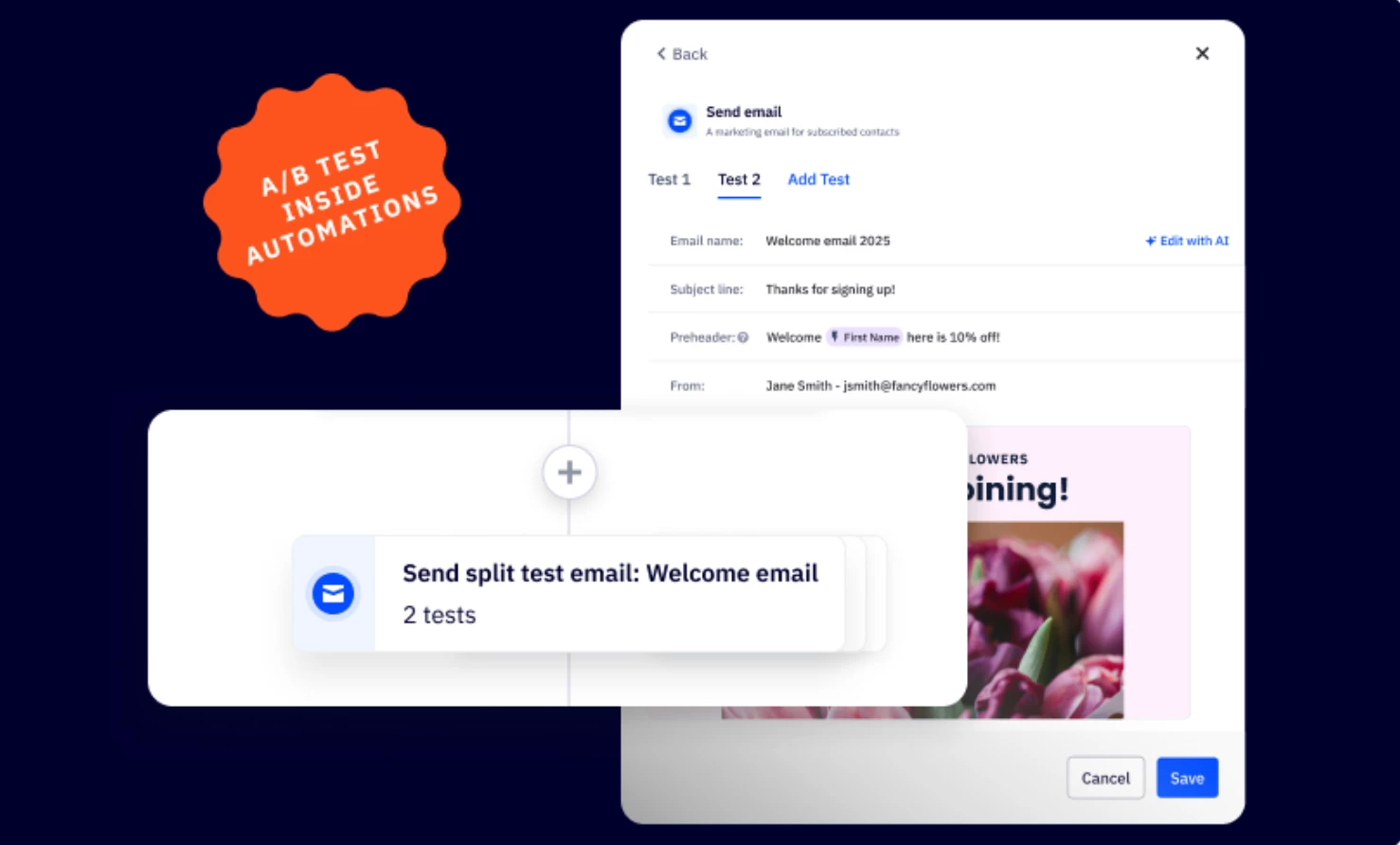
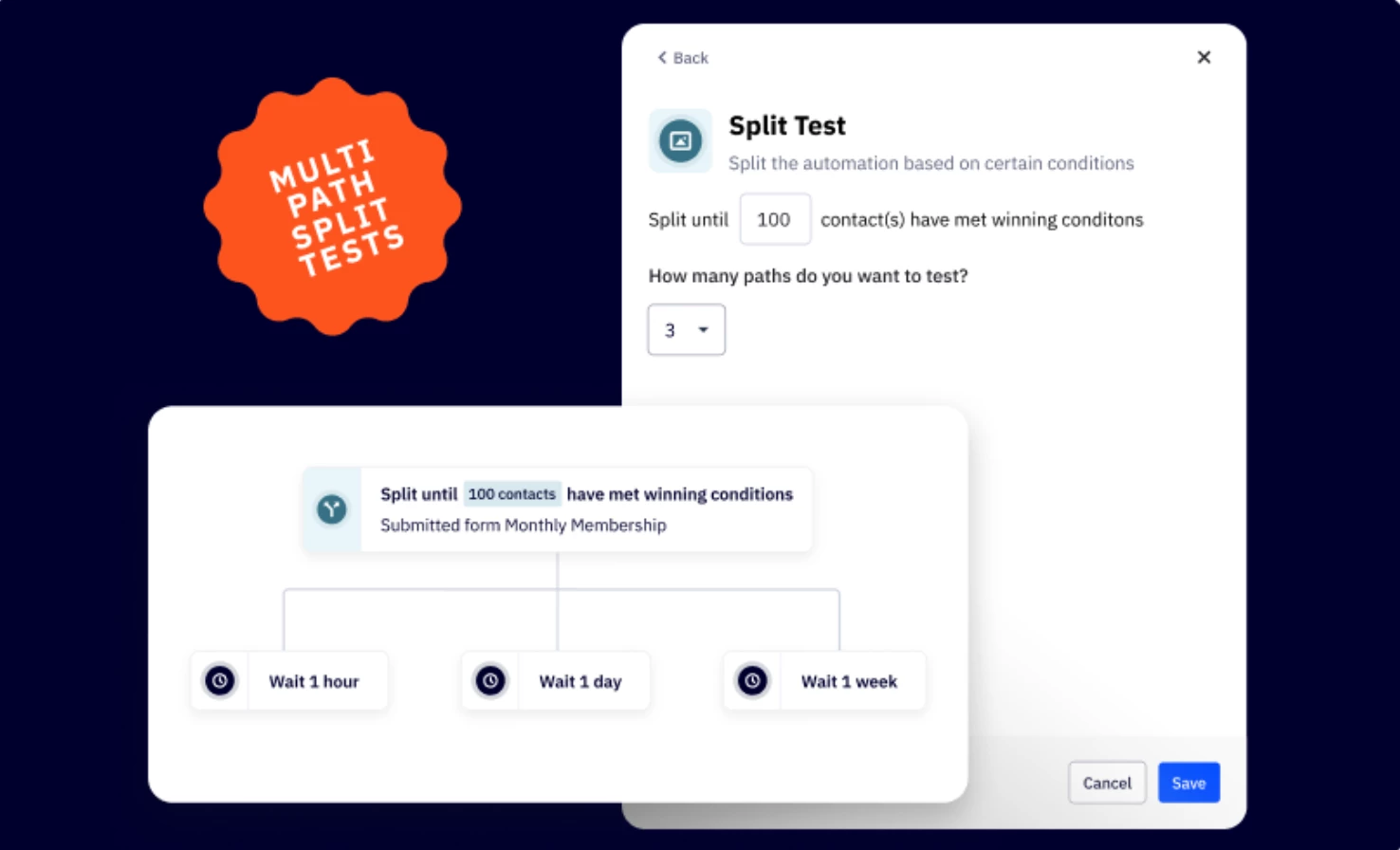
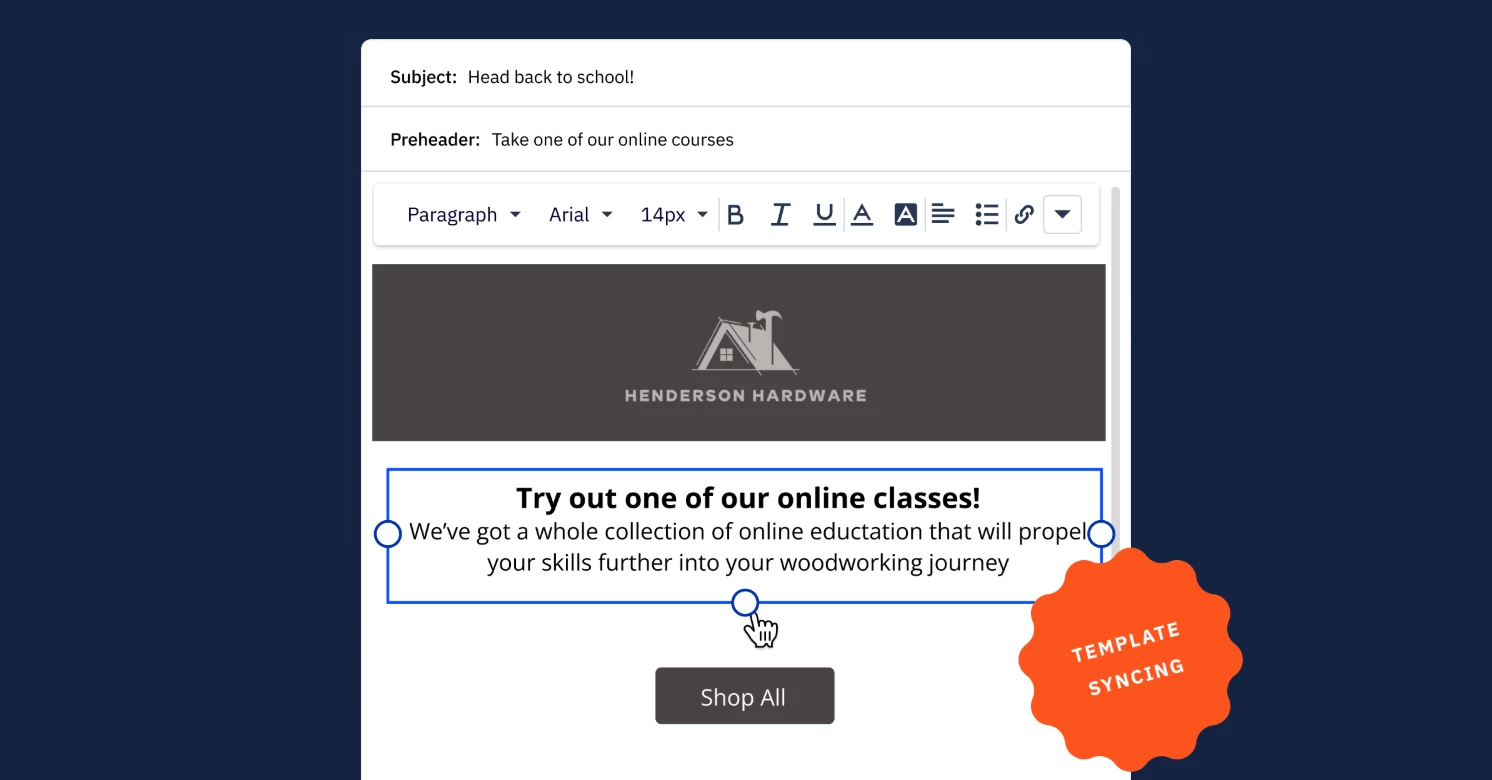
We’ve enhanced several automation actions (specifically Split, Start, Exit, Add Contact & Deal Note, and Site Message) with improved layout and functionality to make them easier to navigate and set up, allowing you to automate your marketing processes more quickly. What's NewSplit Action Split testing now has its own dedicated section, separated from Even Split configurations for clearer setup. Additionally, a new segmentation builder offers enhanced access to various segments like Campaign Event Time Windows, Custom Objects, and 1:1 emails. "Start" and "End Other" Automation Actions The new streamlined menus eliminate the need for scrolling through drop-down lists. You can now easily select automations from a well-organized view featuring all active and inactive automations, complete with automation previews, names, and labels. Add Contact and Deal Note Actions Easily add and edit personalization tags in your notes, with streamlined access to all Contact, Deal, Account, and Custom Object personalization tags for better organization. Site Message Action All-new layout with a streamlined setup for selecting or creating site messages. We've made the process more intuitive, with easier steps for specifying where your messages will be displayed. Discover new location options and effects for customizing how and where your messages appear on your website. Additional ResourcesBlog: Setting new standards for marketing automation in 2024 Getting started with site messages How to use split action in automation Start and end other automation actions explained Add a note action explained

Related products:Automation
Labels Management Update (August 27, 2024)
New AI Image Generator (August 26, 2024)
ACHQ: Pushdown Campaign Experience Update (August 20, 2024)

ACHQ: Pushdown Campaign Experience Update (August 20, 2024)

We are thrilled to announce a complete redesign of our Pushdown Campaign flow in ActiveCampaignHQ! This update brings a modern, streamlined experience to creating and managing pushdown campaigns for your subaccounts, all while retaining the powerful functionality you rely on today! What's NewSingle-Page Interface: We’ve transformed the multi-step, multi-page process into a sleek, single-page experience. All the information you need is now at your fingertips, reducing clicks and saving time. Intuitive Layout: Campaign creation steps are now arranged in logical buckets on one page, providing a clear overview of your pushdown campaign setup at a glance. Smart Popups: Intelligent popups guide you through selecting information, making the process more interactive and user friendly. Modernized Design: The entire interface has been refreshed with a contemporary look and feel, aligning with current design standards and improving overall usability.Key ImprovementsStreamlined Workflow: Create pushdown campaigns more efficiently with fewer clicks and less navigation between pages. Enhanced Visibility: See all campaign elements on a single page, allowing for easier review and editing. Improved User Experience: Enjoy a more intuitive and visually appealing interface that makes pushdown campaign creation feel effortless.Benefits of the UpdateEnhanced Efficiency and Time Savings: Complete your pushdown campaign setup faster and manage all aspects from one centralized view, saving valuable time. Reduced Complexity: Enjoy a clearer, more intuitive pushdown creation process with improved visibility of all elements. Familiar Power, Enhanced Usability: All the features you rely on - including segmentation, scheduling, and more - are still available, now seamlessly integrated into a more user-friendly interface for easier access and use.Setup InstructionsThis update is automatically available to all ActiveCampaignHQ users. To experience the new Pushdown Campaign flow:Log in to your ActiveCampaignHQ account Navigate to your Campaigns page Select “Create Pushdown Campaign”Additional ResourcesACHQ Campaigns How to create segments in ActiveCampaign Advanced Segmentation for Pushdown Campaigns

Related products:ACHQ
Action Updates: Sub/Unsub, Add/Remove Tag, Math (August 15, 2024)
SMS Automation Action Improvements (August 15, 2024)
Automation Canvas Enhancements (August 1, 2024)

Automation Canvas Enhancements (August 1, 2024)

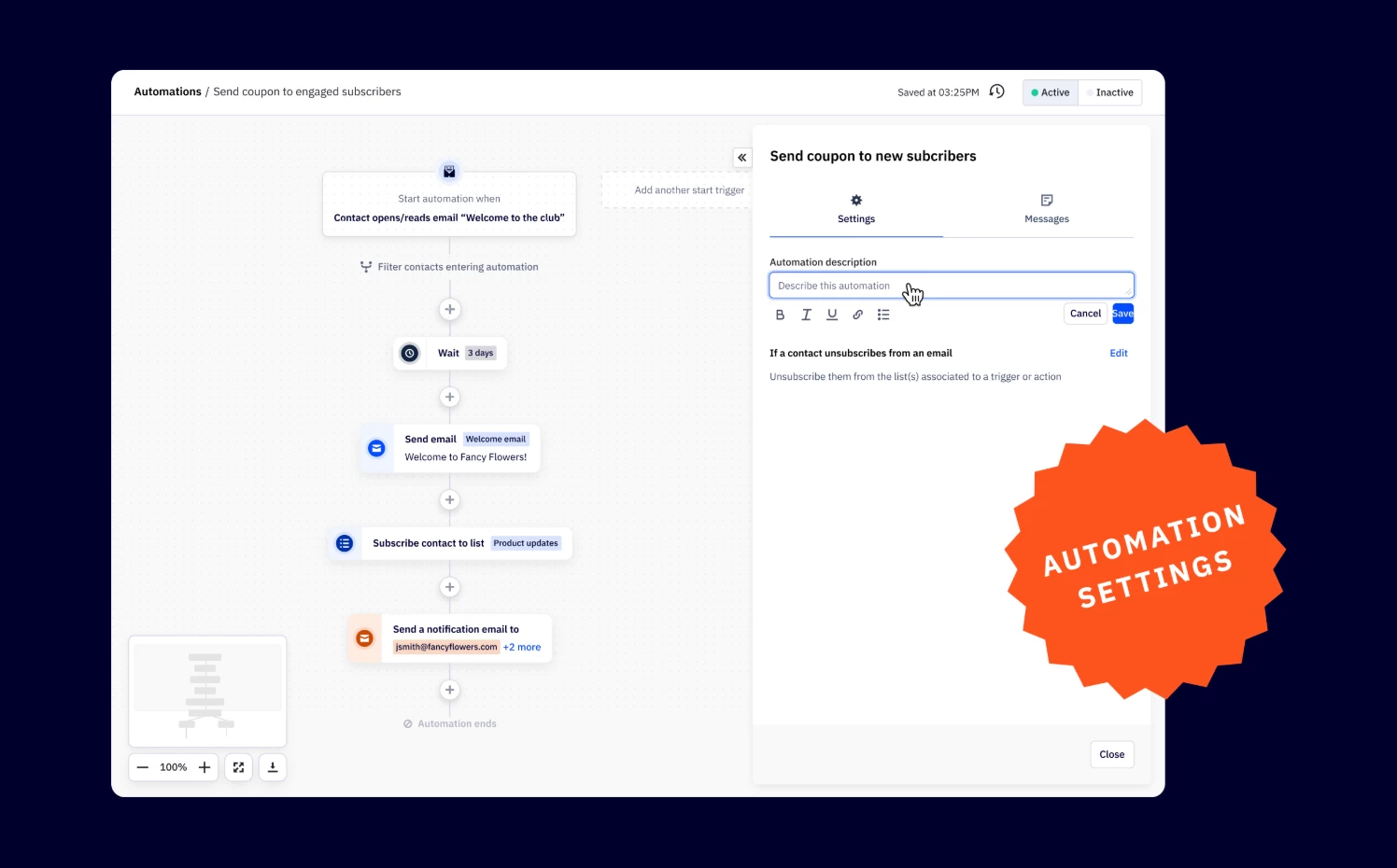
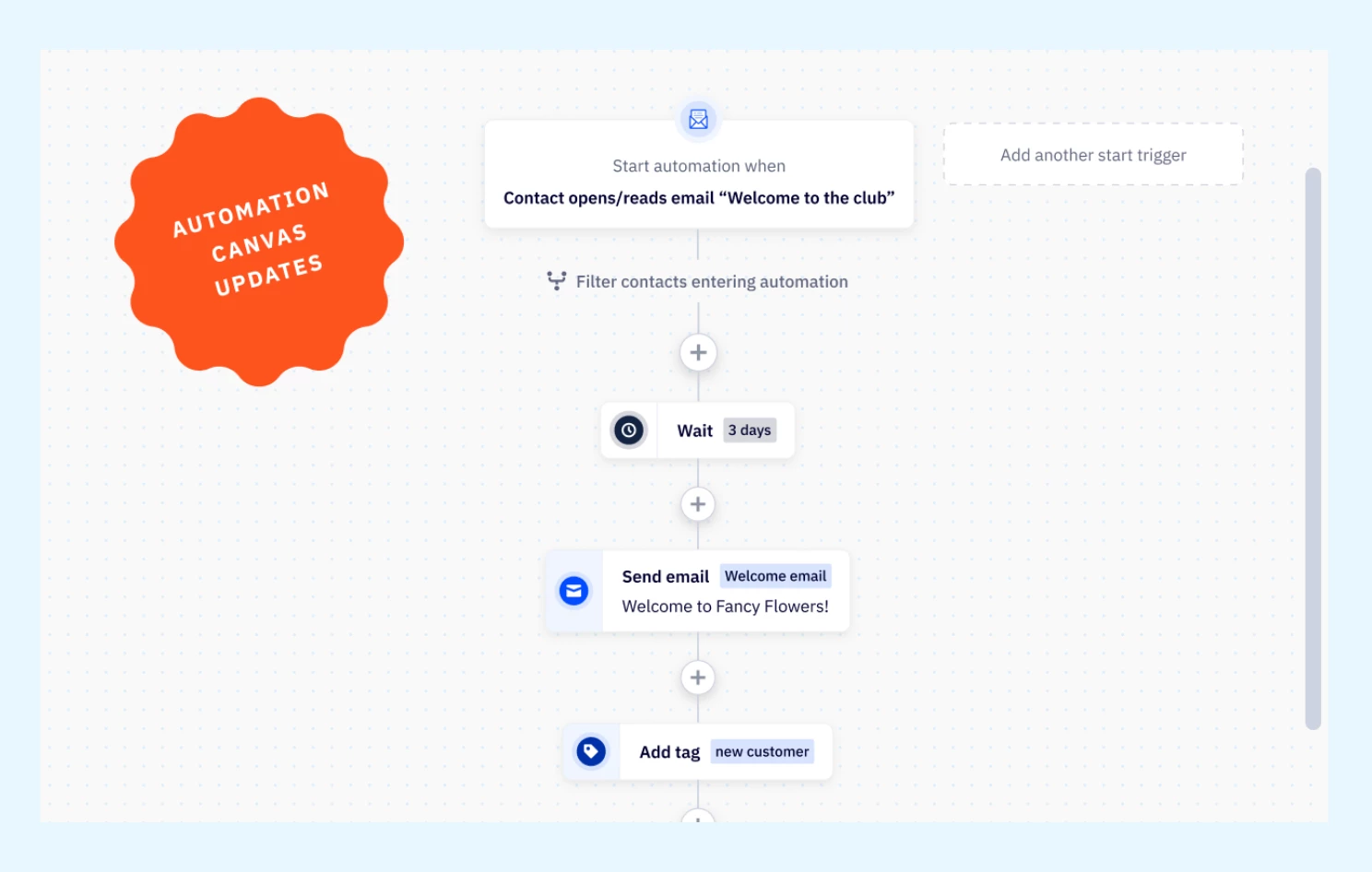
Every detail matters to provide the best automation experience. Our enhanced automation canvas introduces a collection of small but mighty improvements designed to enhance usability, functionality, and overall experience. You’ll also notice a much faster experience loading your automation!  What's newAutomation minimap: Quickly get an overview of your entire workflow and understand your view against the larger automation. Zoom controls: Fine-tune your view with new zoom controls, allowing you to zoom in for detailed adjustments or zoom out for a broader perspective. Fit to screen: Optimize your workspace with the “Fit to Screen” option, enabling you to see your entire automation at a glance. Download automation as a PNG: Share and review your workflows easily by downloading your automations as PNG files. Improved usability for “Go To” actions: Enhanced usability of “Go To” actions makes directing the flow of your automations more intuitive. Automatic End Automation Indicator: We've removed the necessity of adding an end action to your automation. If there are no proceeding actions, the builder will now automatically add an end automation indicator, saving you time and effort. New sleek design, same powerful automation: The modernized automation builder will feature an optimized design that will ensure quick and smooth building, even with complex workflows. Upgrade and Setup InstructionsThese enhancements are available on all plans. Additional Resources Setting new standards for marketing automation in 2024 How to view your automation

Related products:Automation
New OneSignal Integration (August 1, 2024)
ACHQ: Advanced Segmentation for Pushdown Campaigns (July 29, 2024)

ACHQ: Advanced Segmentation for Pushdown Campaigns (July 29, 2024)

Get ready to supercharge your targeting capabilities! We are excited to announce the release of Advanced Segmentation for Pushdown Campaigns, now available for all ActiveCampaignHQ customers. This new feature enhances the functionality of our product, providing users with the ability to apply saved segments from their parent account to pushdown campaigns for their subaccounts, enabling more precise and efficient campaign targeting. Key FeaturesSegment Selection Dropdown in ACHQ Pushdown Campaign Workflow Seamless Application of Parent Account Segments Segment Creation Button for Quick Access  Selected Segment Display in Review Step BenefitsEnhanced targeting Leverage saved segments from your parent account to target your audience with accuracy in your pushdown campaigns, ensuring your message reaches the right audience.Streamlined workflow Enjoy the simplicity of selecting and applying segments effortlessly, which reduces the time and effort required to create targeted campaigns, driving overall efficiency.Greater customization Whether you’re creating new segments or utilizing existing ones, you can easily adapt your pushdown campaign to meet specific goals and audience needs, offering a more personalized experience. Better preview Gain confidence in your campaign setup with the ability to review and verify applied segments before sending, ensuring your campaign is aligned with your targeting strategy. Upgrade and Setup InstructionsThis feature is available in the pushdown campaign workflow. To use it:Start creating a pushdown campaign In Step 1 (Campaign Detail), look for the new "Select a saved segment" dropdown Choose a segment or create a new one using the provided button Complete your campaign setup as usual, reviewing the applied segment in the final step Additional ResourcesACHQ Campaigns How to create segments in ActiveCampaign

Related products:Segmentation
New AI Brand Kit (July 29, 2024)

New AI Brand Kit (July 29, 2024)

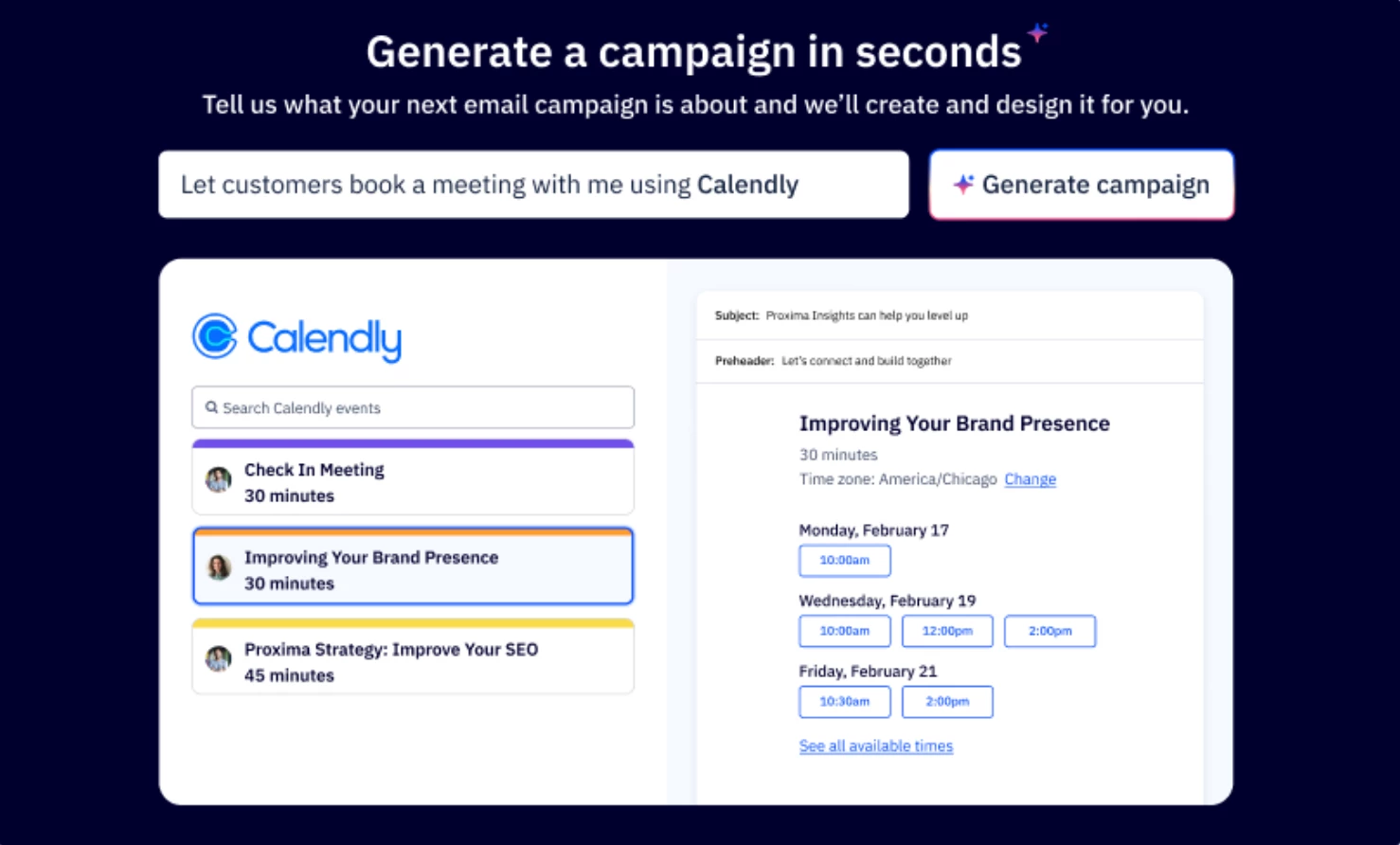
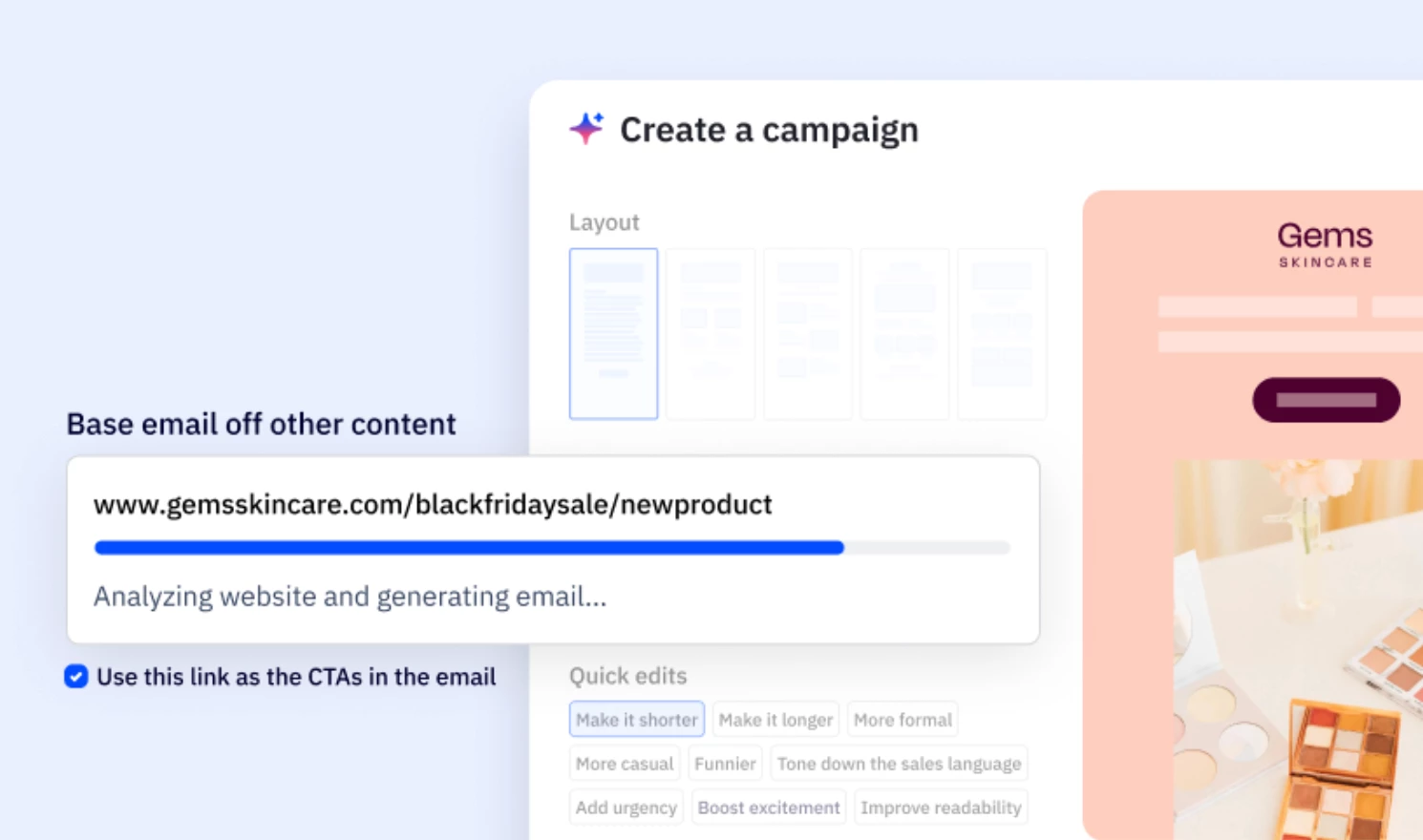
We are excited to announce the launch of our new AI Brand Kit. Say goodbye to hours spent on design and content creation. With this powerful tool, you can effortlessly generate consistent, on-brand campaigns and content, allowing you more time to focus on strategic initiatives. Key FeaturesImport your brand details Import your brand’s colors, fonts, logos, and social links directly from your website or domain and save them as a brand kit. Ready-to-use branded email templates AI-generated email templates and content are seamlessly customized to align with your brand’s unique style. BenefitsIncrease marketing efficiency Save time with AI-crafted emails that are ready for review and minor edits, reducing design and content creation efforts so you can focus more on strategic growth. Ensure brand consistency Generate follow-up emails that incorporate your brand's elements, ensuring consistency in all communications. Personalization Leverage AI Campaign Follow-Ups combined with your brand kit to deliver personalized experiences to your customers, maximizing impact and engagement. Upgrade and Setup InstructionsAll customers can use this feature to create a single brand kit.Customers with Plus and above can create multiple brand kits. To import and assess multiple brand kits, you can navigate to Settings > select Brand Kits. Additional Resources How to create an AI Brand Kit

Related products:Active IntelligenceAI
ACHQ: Enhanced Pushdown Campaign Reporting (July 26, 2024)

ACHQ: Enhanced Pushdown Campaign Reporting (July 26, 2024)

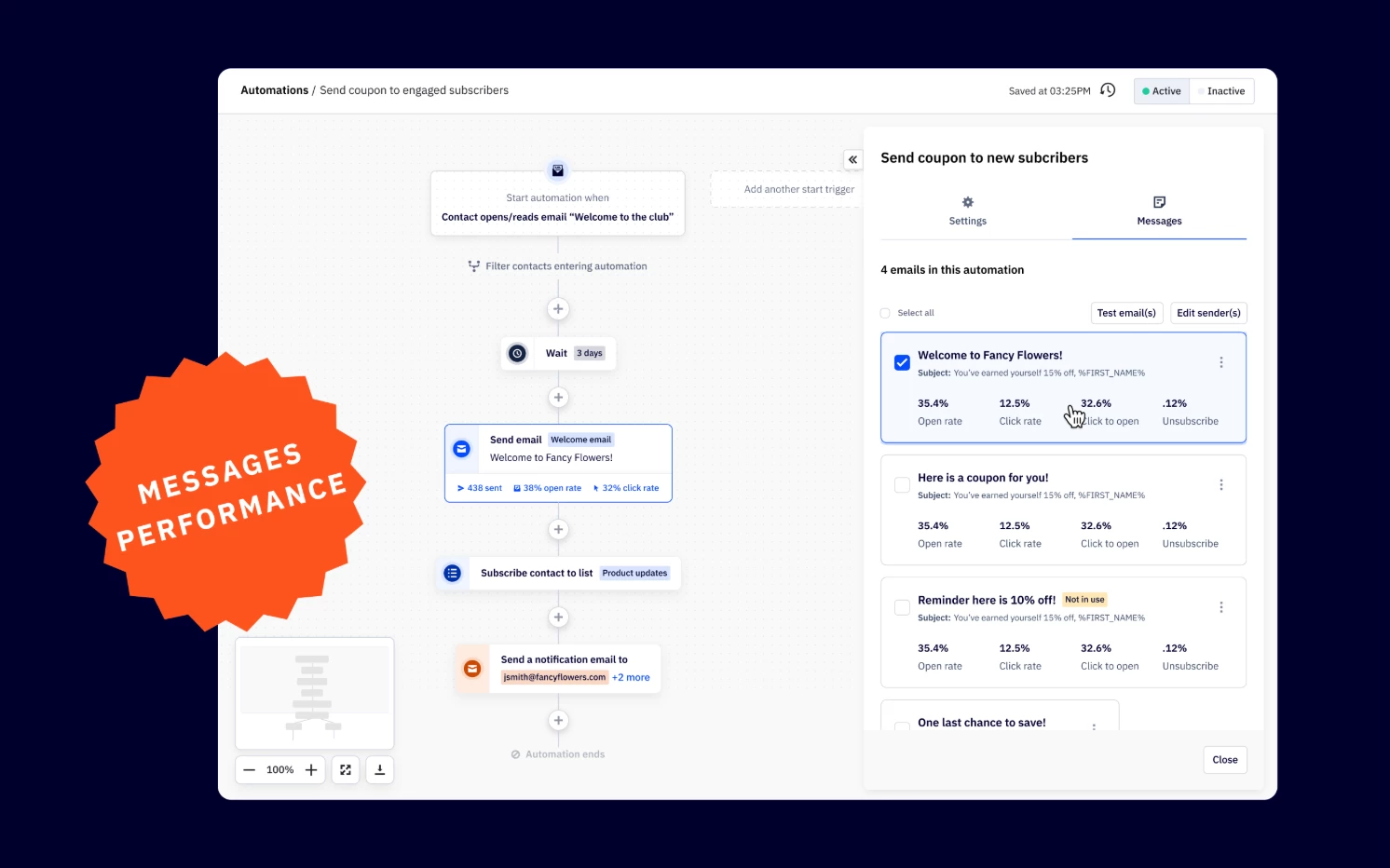
We are thrilled to unveil our latest innovation: Enhanced Pushdown Campaign Reporting, now available for all ActiveCampaignHQ customers! This powerful new feature revolutionizes the way you analyze and optimize your pushdown campaign performance, offering a centralized hub for comprehensive insights.  Key FeaturesCentralized Reporting Page Aggregate + Individual Campaign Performance View Customizable Data Range Advanced Filtering Export Functionality Quick Access to Campaigns and Sub-accounts BenefitsImproved insights Access a centralized hub that provides a complete overview of your pushdown campaign performance, enabling data-driven decision-making. Efficient analysis Compare key metrics across multiple campaigns and benchmark them against baseline averages, simplifying the optimization process. Customizable data exploration Tailor your data view by customizing data ranges and applying advanced filters to spotlight the information most important to your needs. Drive Productivity Quickly access specific campaigns and sub-accounts directly from the reporting page, saving time and allowing you to focus on strategic initiatives. Upgrade and Setup InstructionsTo access this new feature, simply click on the "Reporting" option in the top navigation menu of your ActiveCampaignHQ dashboard. No additional setup or upgrade is required. Additional ResourcesACHQ Pushdown Campaign reporting overview ACHQ Campaigns

Introducing Preference Center (July 26, 2024)

Introducing Preference Center (July 26, 2024)

We are thrilled to introduce the Preference Center, now available in Forms. This powerful new feature allows users to collect and manage contacts' communication preferences more efficiently, improving data quality and segmentation for better personalization of the customer journey. Key FeaturesCollect communication preferences Users can now gather detailed preferences from their contacts, allowing for better-targeted communication and engagement. List subscriptions Subscribers can opt into specific lists they’re interested in, ensuring they receive relevant updates and information Add preference center in your email campaigns Easily add a link to the preferences center in your email campaigns, allowing contacts to update their preferences seamlessly. Improved Segmentation capabilties Utilize the collected preference data to create more refined and effective audience segments. How it worksNavigate to the Forms index page to find the new Preference Center feature. Configure the communication preference options according to your business needs. Add the preference center and unsubscribe link as a saved block to add or update your email campaigns Use the data collected to segment your audience and personalize your email marketing strategy Reduce unsubscribes by allowing your subscribers to select the content that resonates BenefitsIncreased Engagement Relevant and personalized communication leads to higher engagement rates and stronger customer relationships. Compliance and Trust Ensuring that communication aligns with contacts' preferences helps maintain compliance with data protection regulations and builds trust with your audience. Deliverability Targeted and preference-based communication reduces the likelihood of emails being marked as spam or leading to unsubscribes, enhancing overall deliverability rates. Upgrade and Setup InstructionsThis feature is currently available on Plus and above accounts. Additional ResourcesHow to create a Preference Center Add your Preference Center to a Campaign

Related products:Forms
AI Campaign Follow Up (July 11, 2024)
Updated Link Modal (July 1, 2024)
Attach Files on Direct 1:1 Emails (June 11, 2024)
Trigger automation when file is downloaded (June 11, 2024)

Trigger automation when file is downloaded (June 11, 2024)

You can now trigger automated workflows when files are downloaded from a direct 1:1 email. Triggering an automation based on file downloads from direct emails enhances engagement, allows for timely follow-up, and provides valuable insights to optimize marketing communication and sales strategies. Benefits Automate timely follow up with your contacts based on their interaction with a file. Adjust lead scores and prioritize follow-up efforts based on file downloads. A downloaded file may indicate higher interest or engagement with your content, which can influence lead scoring and segmentation. Personalize communication based on the specific file downloaded. For instance, if a prospect downloads a product brochure, you can automatically send them additional product information or promotions tailored to their interests.  Use CasesSend a follow up email when someone downloads a file Schedule a follow up appointment or call based on a download Assign a task to a team member to discuss the content of the downloaded file Setup InstructionsActiveCampaign for Sales - Plus, Professional, and Enterprise ActiveCampaign Marketing & Sales Bundle - Plus, Professional, and Enterprise 2024 ActiveCampaign plans - Pipelines add-on and Pipelines & Sales Engagement add-on Must have a connected email established to access the feature Additional ResourcesHow to trigger automations in ActiveCampaign

Related products:AutomationAutomation Triggers
Order Status & Recurring Payments for Stripe (June 6, 2024)

Order Status & Recurring Payments for Stripe (June 6, 2024)

We are thrilled to announce a highly requested update to ActiveCampaign’s Stripe integration. This update brings several enhancements and improvements to the existing functionality, providing users with an even better experience. What's New You can also now sync Order and Subscription data from Stripe into your ActiveCampaign account. Stripe Customer, Invoice, Charge, Checkout Session and Subscription events create and update contacts in ActiveCampaign.  Benefits Share Order Status Efficiently Trigger actions based on order status changes, such as driving completion of pending orders, expressing gratitude to completing shoppers, and identifying issues with failed, returned, canceled, or refunded orders. Streamline subscription management with Recurring Payments Engage customers at key points in their subscription journey to increase customer lifetime value (CLV), drive average order value (AOV), and reduce churn.  Use CasesWelcome Sequence to New Recurring Payments Customer Content Digest for Recurring Payments Customer Win-Back Email for Recurring Payments Customer Product Recommendation for Recurring Payments Customer Payment Failed for Recurring Payments Customer Trial Ending Notification Trial Ending Drip Series Invoice Payment Failed Follow-Up Refund Follow-Up Additional ResourcesHow to connect your Stripe account to ActiveCampaign Watch the Recurring Payments Demo How to Get Started With a Subscription Business in 8 Steps 4 Email Marketing Automations Needed for Subscription Business Model Growth How to Master Customer Retention for Your Subscription Business with Marketing Automations 
Related products:IntegrationsEcommerce integrations
AI Automation Recommendations (June 5, 2024)

AI Automation Recommendations (June 5, 2024)

We're excited to introduce AI-powered automation recommendations tailored to your industry and business goals. With this new capability, activating fully-built automations is now as simple as a few clicks, empowering you to focus on what truly matters—engaging with your customers and driving your business forward. This feature is available on all plans. Available for the following industries: Accounting & Financial Institutions Consulting & Agencies Bloggers & Authors E-commerce & Retail Entertainment & Events Fitness & Nutrition Healthcare Media & Publishing Non-profit Organizations Online Training & Education Real Estate Software Companies Travel & Hospitality How does it work?All you need to do is specify your desired goal, and our automation builder will take care of the rest. In just a few clicks, you'll be presented with three fully-built automation options, each complete with industry-specific actions and email content. From there, you can either activate the preferred automation as is or customize it further to better suit your unique needs.Navigate to “Automations” Toggle on “AI Recommendations” in the top right corner Select your goal Choose from three fully built automations customized to your industry Activate automation as is or custom further Benefits Efficiency Activate powerful automations with minimal effort, saving you time and allowing you to focus on high-value activities. Personalization Enjoy hyper-personalized recommendations that cater specifically to your industry and goals, enhancing the relevance and impact of your campaigns. Proven Success Leverage automations built on industry best practices, ensuring your strategies are aligned with methods that drive results.   Additional ResourcesActivate AI-Generated, Industry Specific Automations in Just a Few Steps

Related products:AutomationActive IntelligenceAI
Bot Unsubscribe Protection (June 4, 2024 )