
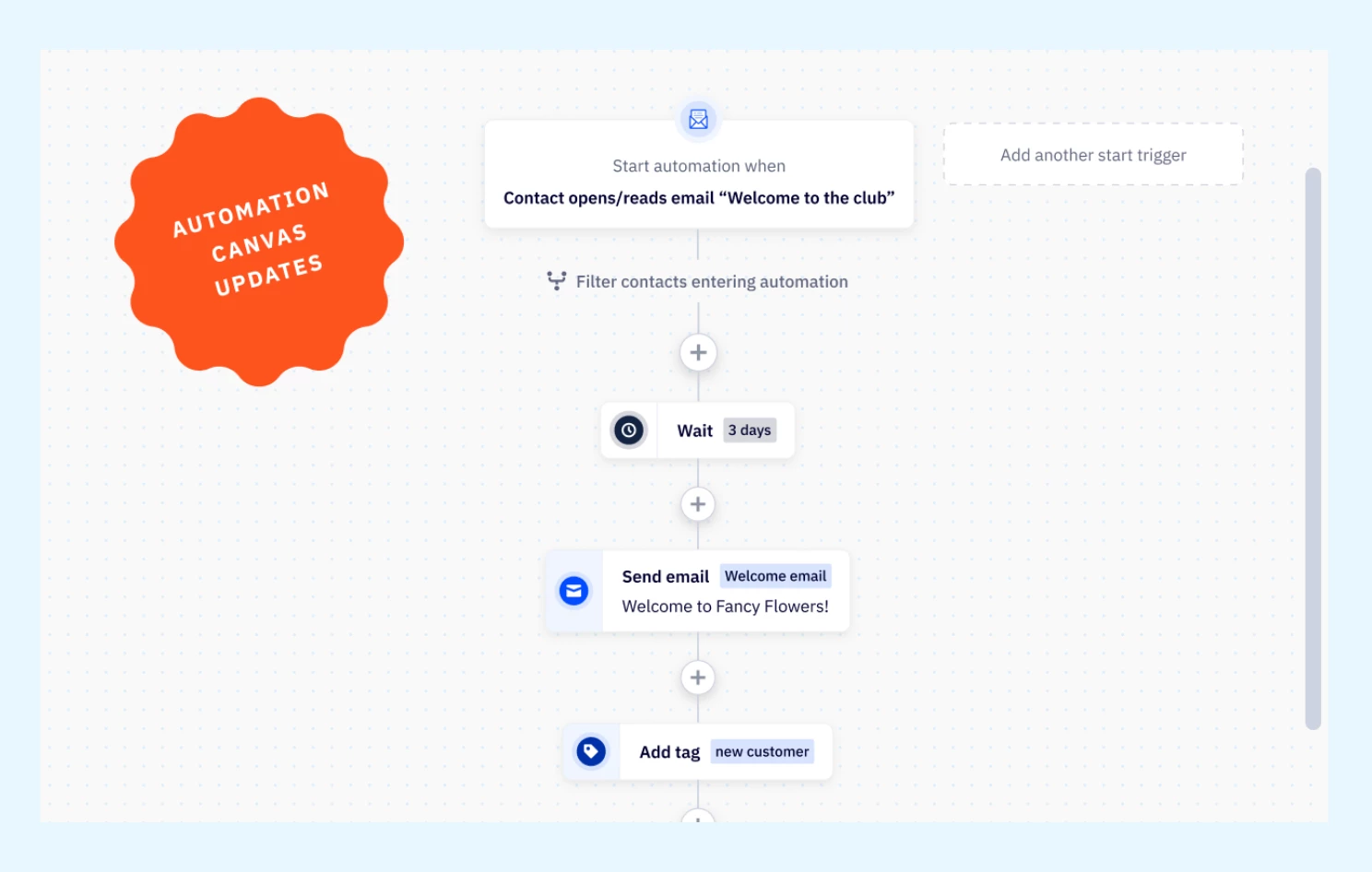


We are thrilled to announce a significant update to the Automations Canvas, now available for all customers. With the new interface as the default, users can access a more streamlined experience immediately, reducing setup steps and enhancing ease of use. This update brings several enhancements to streamline the automation-building experience, improving navigation, readability, and usability.
What's New
- Chip styling for actions
Actions now feature chip styling, enhancing readability and helping users quickly identify different steps in their automations. - Scrollbars in Automation Builder
Scrollbars are back in the automation builder, making it easier to navigate through long or complex workflows. - Find and search
A new keyword search feature (CTRL + F) allows users to quickly find specific items within their automations, improving efficiency.
Key Improvements
- Improved visual clarity
Chip styling for actions provides a cleaner look, making it easier for users to follow the flow of their automations. - Simplified navigation
The reintroduced scrollbars help users navigate long automations, reducing the time spent searching for specific steps.
Benefits to this update
- Streamlined workflows
Users can now build automations more quickly and efficiently with improved readability and navigation tools. - Time-saving search feature
The custom Find & Search function helps users locate items based on keywords, boosting productivity within the automation builder. - Greater user experience
These updates collectively make the Automations Canvas more intuitive, minimizing friction and enabling users to focus on building impactful automations.