
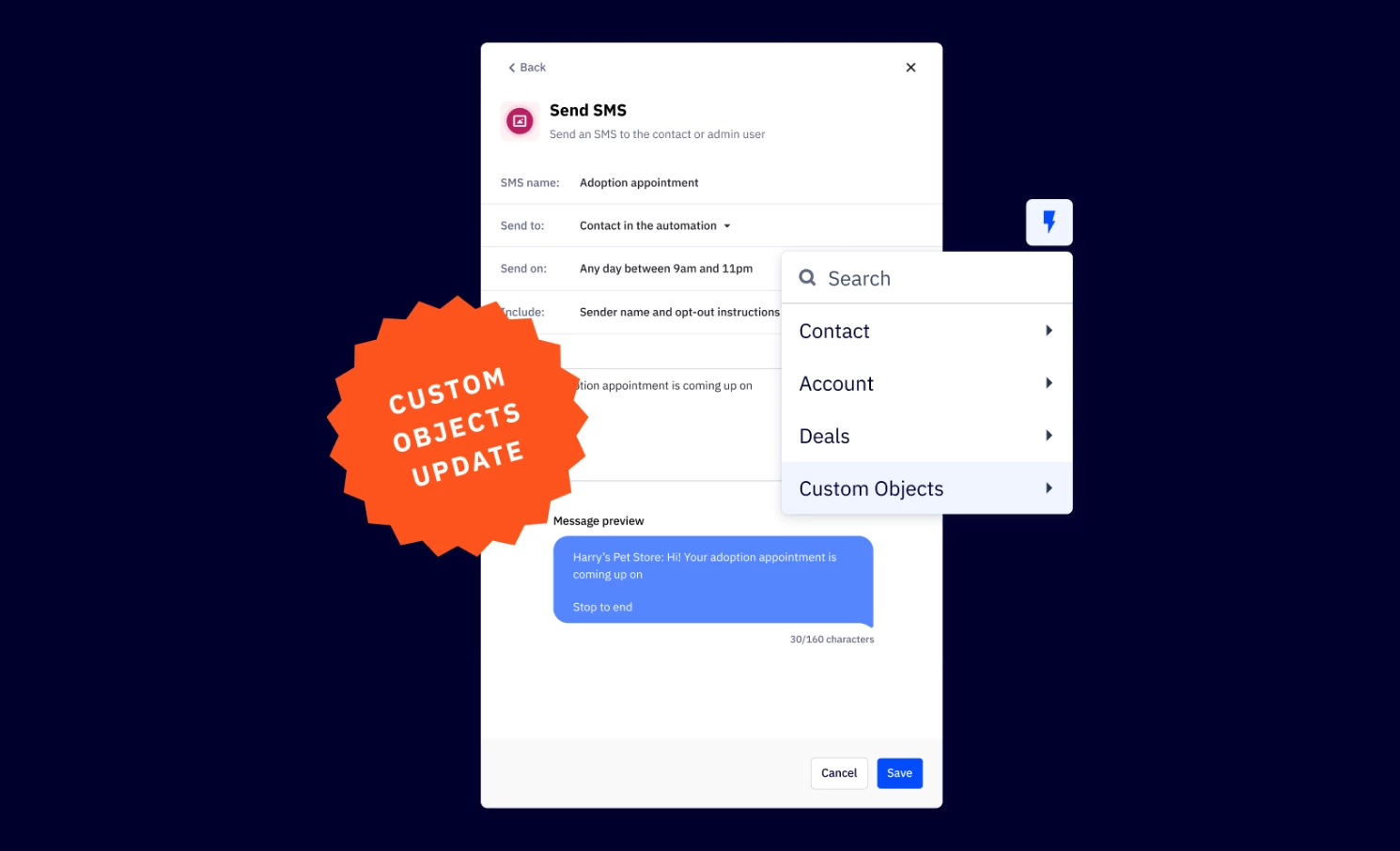


We are excited to announce the expansion of Custom Objects Personalization, available now in your automations. This update enhances automation capabilities by allowing you to leverage Custom Objects across every relevant action, providing deeper personalization and more dynamic workflows.
Key Features
- Available in more actions
Now supported in actions like sending SMS, internal notifications, if/else, webhook, and more. - Dynamic personalization
Automactically select the triggering Custom Object record or the most recent record if no trigger is available. - Broader control
Use custom objects to personalize deals, tasks, emails and notifications seamlessly.
Benefits
- Improved personalization
Custom Objects can now be used in any action that supports personalization ensuring tailored messaging and automation flows. - Greater flexibility
Users can now integrate Custom Object data in various automation steps, making workflows more dynamic
Upgrade Instructions
Currently, to use personalization for Custom Objects other than the triggering object within the Email Designer (e.g., for Send Email actions), users must manually copy and paste the personalization tags from the Manage Objects page into the editor.
Supported actions:
- Send email
- Send a direct 1-1 email
- Send a transactional email
- Send an SMS
- Send an internal notification
- If/Else
- Split
- Goal
- Webhook
- Add a note
- Add a deal
- Update a title
- Add a deal task
- Add a deal note
- Add an account note
- Add contact to account