
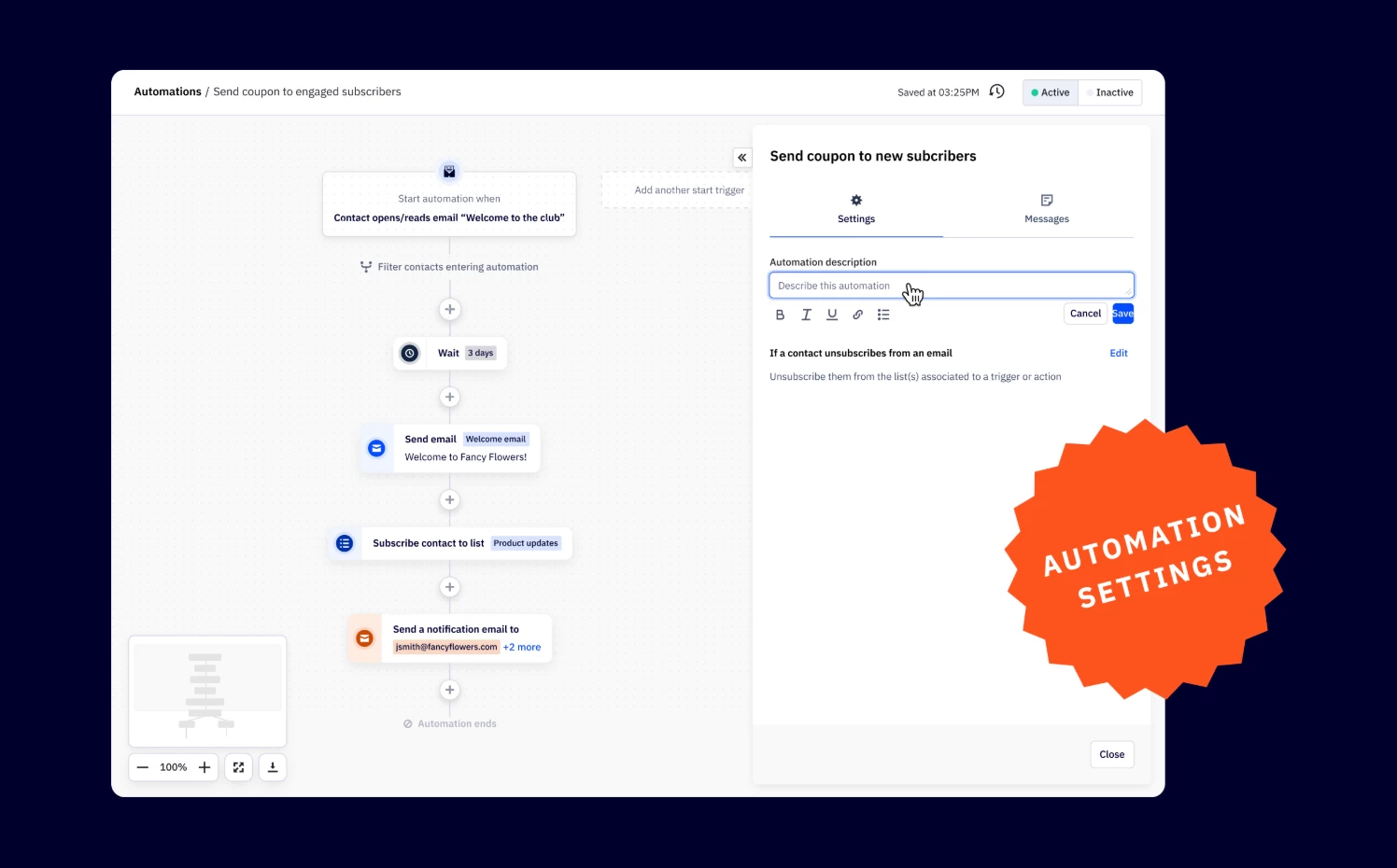


We’re introducing a few new updates within automation settings for managing key automation rules. This update will give you greater control over how contacts enter, move through, and exit automations, making it easier to optimize your workflows.
Key Features
- Automation descriptions
Add notes to document the purpose, audience, and key details of an automation for better collaboration. - Entry rules and concurrency controls
Manage how many times a contact can enter an automation across multiple triggers. Options include:- Enter any number of times (default)
- Enter only once, across all triggers
- Enter only if they have exited the automation
- Exit criteria
- Automatically remove contacts from an automation when they unsubscribe from an email.
- The list association dropdown has moved from the manage messages modal to this new settings tab for easier access.
- Exit criteria
Benefits
- Greater control
Set clear entry and exit conditions to ensure contacts move through automations as intended. - Improved team collaboration
Keep automation intent and key details documented for easy reference.
Upgrade Instructions
This update is available to all users.