
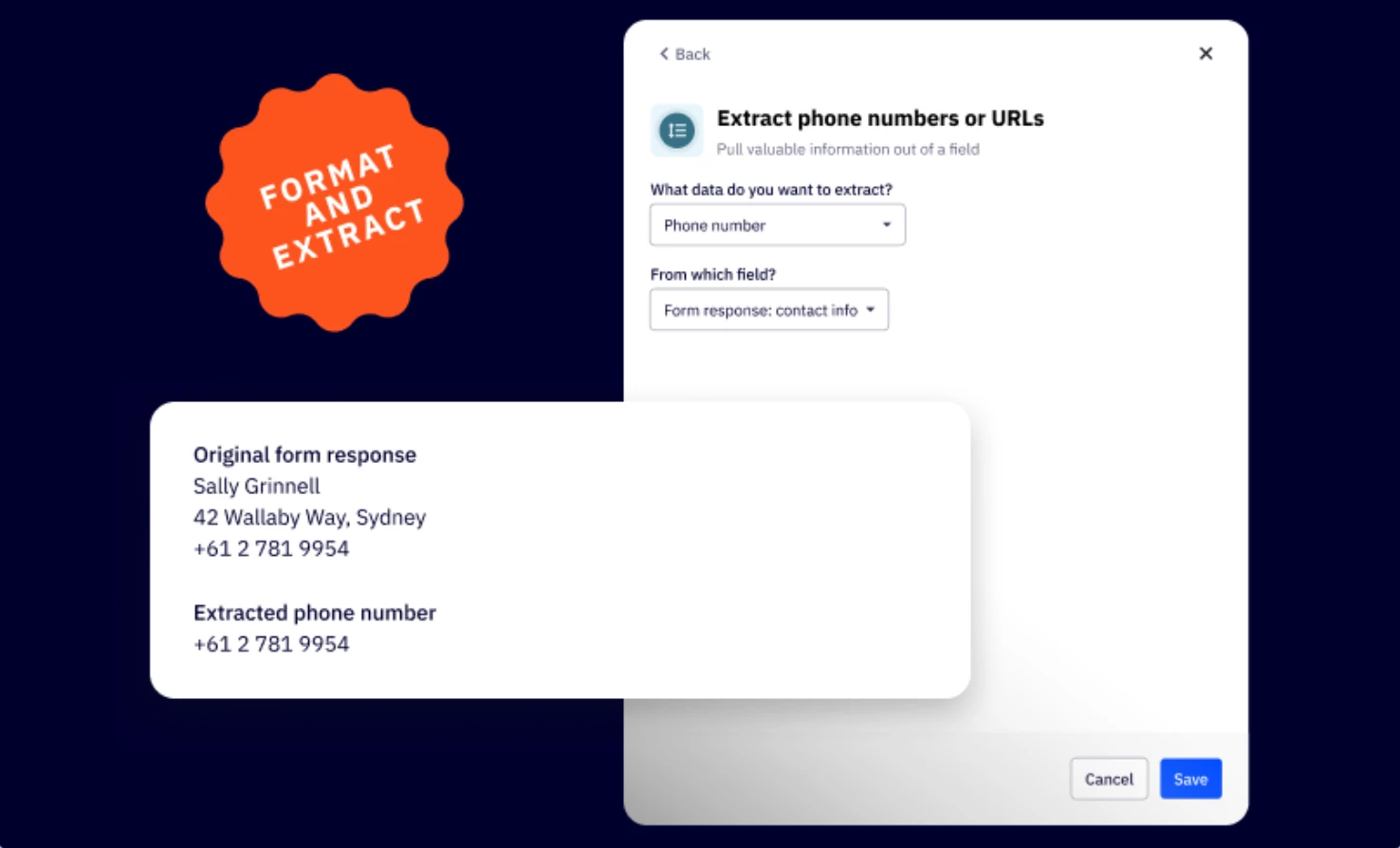


We are excited to announce the release of Data Formatting in Automations, now available in ActiveCampaign. This new feature enhances automation functionality, giving users native tools to clean, format, and transform data, without relying on third-party tools.
Key Features
- Perform math operations
- Use values from two fields to perform calculations and input results in another field
- Date/ time adjustment
- Add or subtract time from date (E.g. Auto-calculate renewal dates (Start Date + 1 year)
- Format phone number
- Standardize phone numbers with options for country code and formatting
- Format web addresses
- Ensure URLs are clean, valid, and optionally trimmed to base URLs (e.g., trim https://domain.com/?utm=123 → domain.com)
- Text Capitalization
- Automatically format text to title case, uppercase, lowercase, or proper case
- (e.g., john doe → John Doe)
- (e.g., NEW YORK → New York)
- Automatically format text to title case, uppercase, lowercase, or proper case
Benefits
- Reduce tools
Eliminate the need for third-party utilities like Zapier for basic data operations - Save time
Automate repetitive formatting tasks inside your workflows - Enhance data quality
Keep records clean, consistent, and ready for segmentation or personalization
Upgrade Instructions
Available by plan:
Plus +: Format phone number, Format a web address, Capitalize text
Professional and Enterprise: All Plus features + Perform Math Operations, and Date/time adjustments.
Visit your automation workflow, add a new action, and explore the new Data Formatting options.
Additional Resources
• Where to find and how to use format data automation action?