
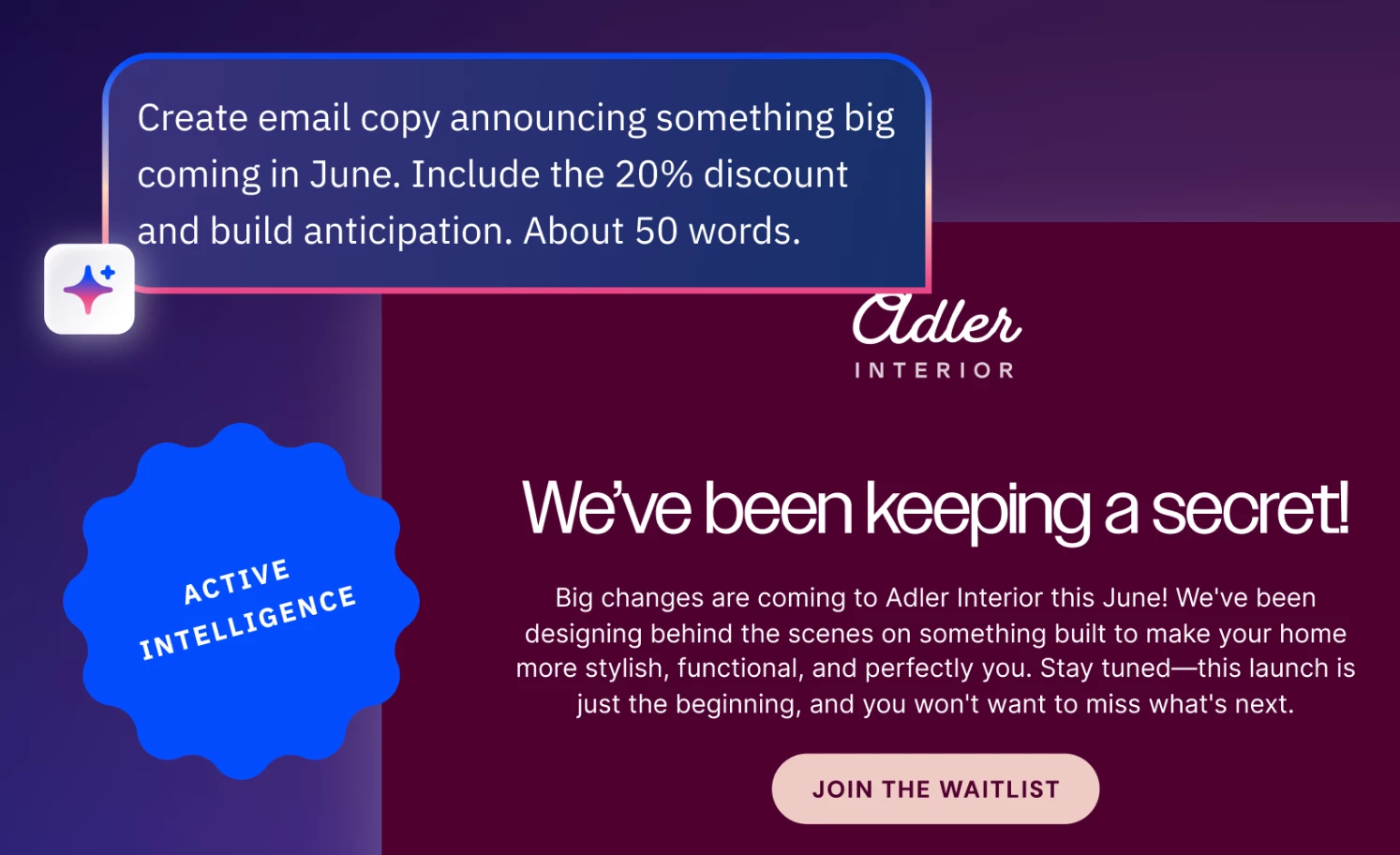


We are excited to announce the release of the Campaigns agent, now available as part of Active Intelligence in Beta. This agent revolutionizes campaign creation by allowing you to describe your objective and instantly generate complete campaigns with optimized, on-brand messaging ready to send.
Key Features
- Instant email campaign creation
Campaign generation from a simple prompt that aligns with your brand voice and goals. - Real-time editing and adjustment through conversation
Optimized messaging for various campaign types and audiences
Benefits
- Increase efficiency
Test multiple messaging approaches quickly by asking the agent to adjust tone, add elements, or refine specific language instantly - Maintain brand consistency
Generate on-brand content that matches your voice and messaging without extensive editing cycle - Eliminate writer’s block
Go from blank page to polished campaign in seconds by simply describing what you want to achieve and communicate
Use Cases
- Launch welcome email campaigns for new subscribers with professionally crafted messaging
- Prompt: "Create a welcome email for new subscribers" or "Write a promotional campaign for a flash sale. Offer 20% off with signup"
- Create time-sensitive promotional campaigns for flash sales with urgency- driven copy
- Prompt: "Create a time-sensitive promotional campaign for a 24-hour flash sale, using urgency-driven copy and countdown timers across all assets."
- Adjust campaign tone and style to match specific audience segments
- Prompt: "Make the tone of this email campaign more exciting and exclusive"
- Refresh existing campaign content with updated messaging or added visual elements like emojis
- Prompt: "Refresh our existing 'Welcome Series' email campaign by updating the messaging and adding relevant visual elements like emojis and GIFs."
- Prompt: "Refresh our existing 'Welcome Series' email campaign by updating the messaging and adding relevant visual elements like emojis and GIFs."
Upgrade and/or Setup Instructions
- Look for the Active Intelligence icon in your ActiveCampaign account and select it to begin
- Don't have access yet? If you see a message that Active Intelligence isn't available, request access by commenting on our community post with your ActiveCampaign account URL
- Don't have access yet? If you see a message that Active Intelligence isn't available, request access by commenting on our community post with your ActiveCampaign account URL