
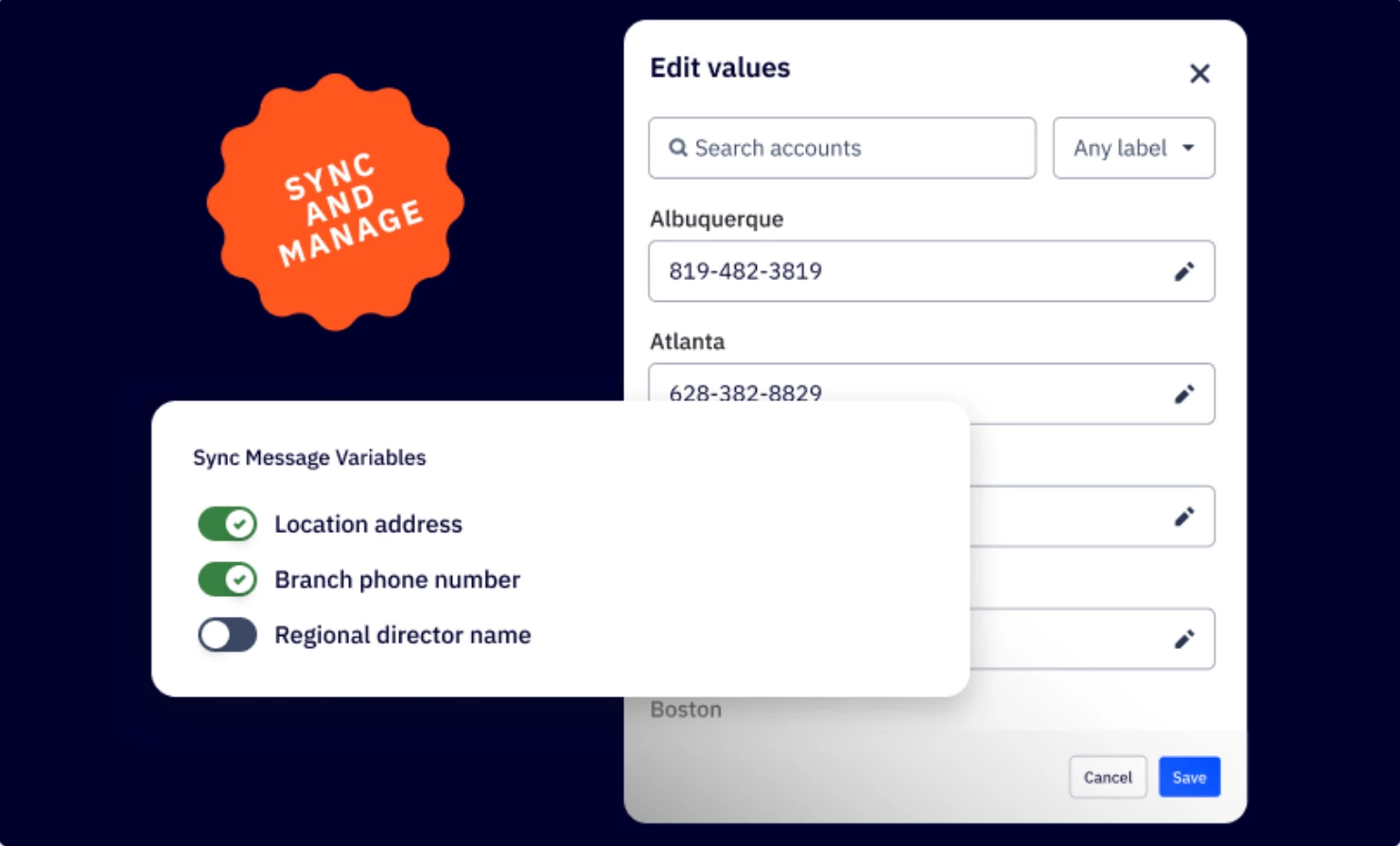


We are excited to announce the release of Message Variables Central Management, now available in ActiveCampaign HQ (ACHQ). This powerful new feature enables franchise businesses to create and manage message variables centrally, then sync them across all subaccounts or franchisees, providing unprecedented control over brand messaging while saving significant time in campaign creation.
Key Features
- Centralized Creation & Distribution
Create message variables once in your main HQ account and distribute them across all franchise locations with flexible sync options to your sub accounts
- Individual Account Customization
Edit message variable content for specific sub accounts while maintaining central control, allowing local customization within brand guidelines
- Advanced Management Tools
Comprehensive search, filtering, and editing capabilities with both visual and code editor support for seamless variable management
Benefits
- Brand Consistency & Control
Ensure uniform messaging across all franchise locations while maintaining oversight of brand guidelines and reducing messaging inconsistencies
- Time & Efficiency Gains
Eliminate redundant variable creation for franchisees and automate distribution of updates, allowing focus on campaign strategy rather than setup tasks
- Scalable Franchise Management
Efficiently manage messaging for hundreds of locations from a single dashboard with automated processes that grow with your business
- Flexible Local Customization
Empower franchisees with pre-approved, standardized message components while enabling local market customization within established brand parameters
Setup Instructions
To start using this feature, simply click on the "Sync Manager" option in the top navigation menu of your ActiveCampaignHQ dashboard, then select the “Message variables” tab to get started. No additional setup or upgrade is required!