
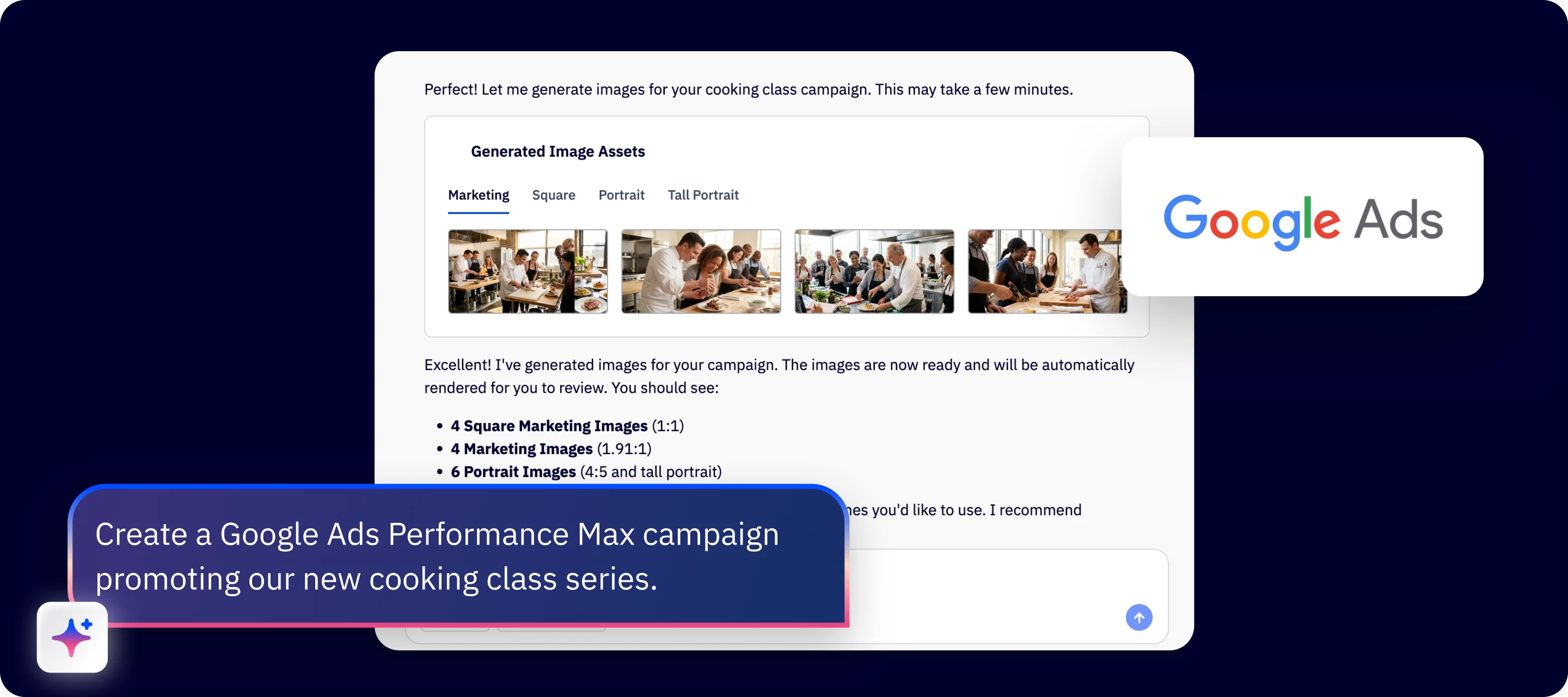

You can now create, launch, and analyze Google Ads Performance Max campaigns and seamlessly connect your ActiveCampaign data to reach the right customers at the right time – with Active Intelligence as your guide. Go from idea to real business growth more quickly, with the NEW Google Ads connector for Active Intelligence.
Take the guesswork out of your online ad strategy
Active Intelligence walks you through every step from setting up your Google Ads account to launching your first Google Ads Performance Max campaign— an all-in-one campaign type that uses AI to proactively find and convert new customers across Google's entire inventory – including Search, YouTube, Display, and more – from a single ad campaign. You’ll get the best possible reach for your budget, increased leads, and richer insights into what online advertising tactics work best for your business.
You stay in control of your strategy, brand, and budget
Combine your skills with AI for a more effective online advertising strategy. Just provide your goal and set your budget and you’ll work together with the Google Ads connector to handle the details — like smart bidding, budget optimization, audience creation, and ad placement. Take advantage of Google Ads gen AI asset creation (in beta) to generate new images or use any existing images in ActiveCampaign.
Get $500 USD in Google Ads credit
New to Google Ads? Spend $500 USD in your first 60 days and get $500 USD in ad credits. Terms and conditions apply.
Ready to try it?
In your Active Intelligence workspace, click on “Tools” and select Google Ads to get connected.
- "Help me connect Google Ads to ActiveCampaign."
- "Create a Performance Max campaign for my travel agency's new Thailand tour."
- "Create a new Google ad and email campaign for our new spring clothing line."
- “How is my Thailand tour Google Ads campaign performing?”
[Get a full step-by-step walkthrough here.]
Questions or Feedback?
We’re excited to hear from you! Please leave a comment below, and our team will jump in to help.