Question

How do I get rid of new report tiles appearing at top of each page

  • August 28, 2026
  • 2 replies
  • 31 views

Hi team. I don’t like the new report tiles that appear at the top of some pages (eg the Contact Engagement tile on the Contact page). The info may be useful to access when I want to but not taking up screen real estate all the time. How do I turn them off? Thanks

2 replies

JanEverts
Forum|alt.badge.img
  • Community Ambassador
  • September 2, 2026

as far as I know the only option is to disable the new screens and go switch to the old ones (settings accounts) I have not yet found an option to disable it on certain pages


mbehna
Forum|alt.badge.img+1
  • Employee
  • September 4, 2026

Hi ​@sjasmith, thanks for calling this out. I can see why you’d want to keep the contact page focused.

At the moment, there isn’t a way to hide or remove the Contact Engagement tile, or the other similar tiles, from the contact overview page. They’re part of the standard contact layout and can’t be customized like the widgets on the main dashboard.

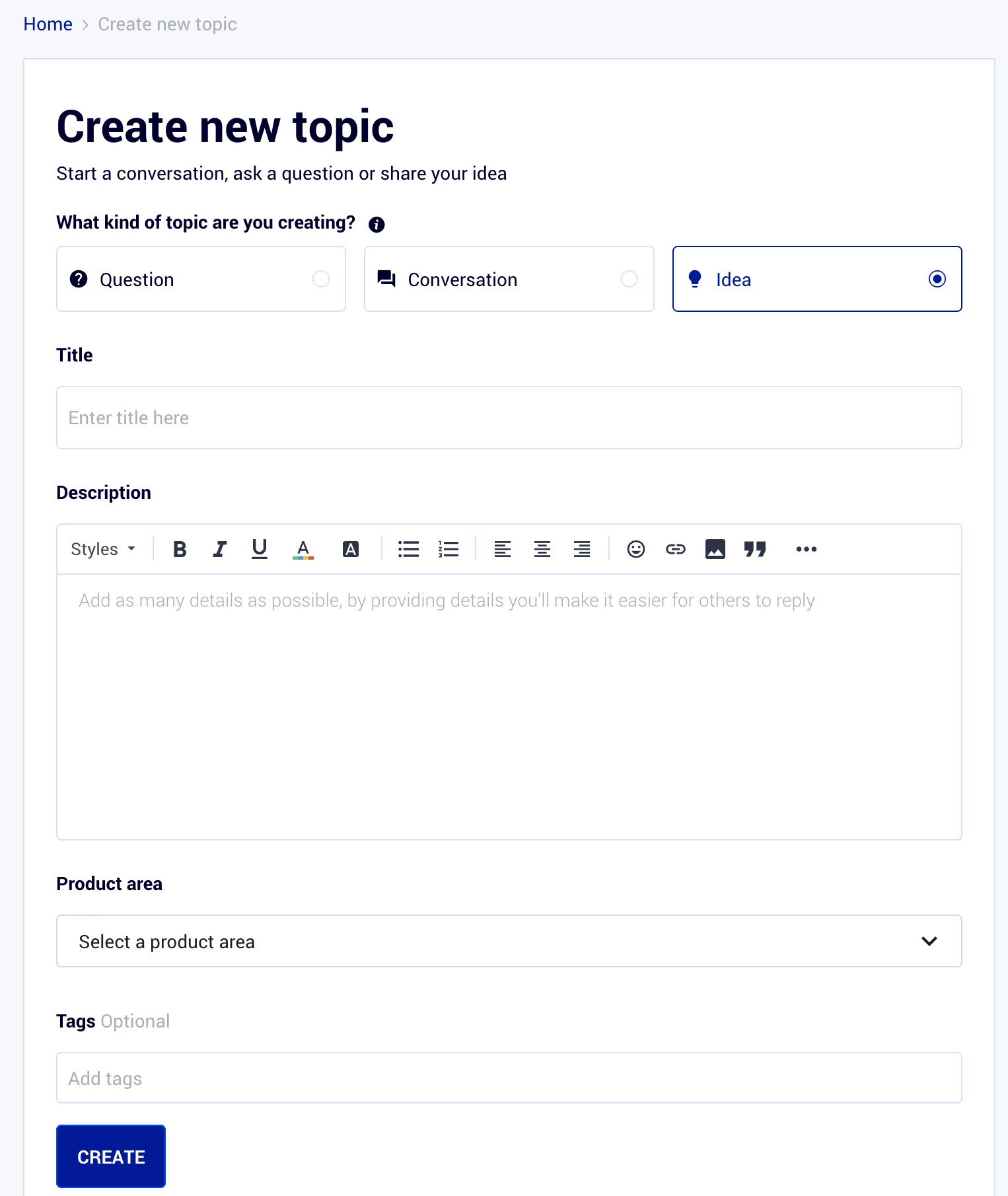
If you’d like to see this changed, you can submit a feature request by clicking on "create a topic" on the top right hand corner, then choose the "idea" option in your post so that others can vote and add context. If you’re seeing something different in your account, please email help@activecampaign.com with your account URL and a screenshot so our team can take a closer look.