Hey!
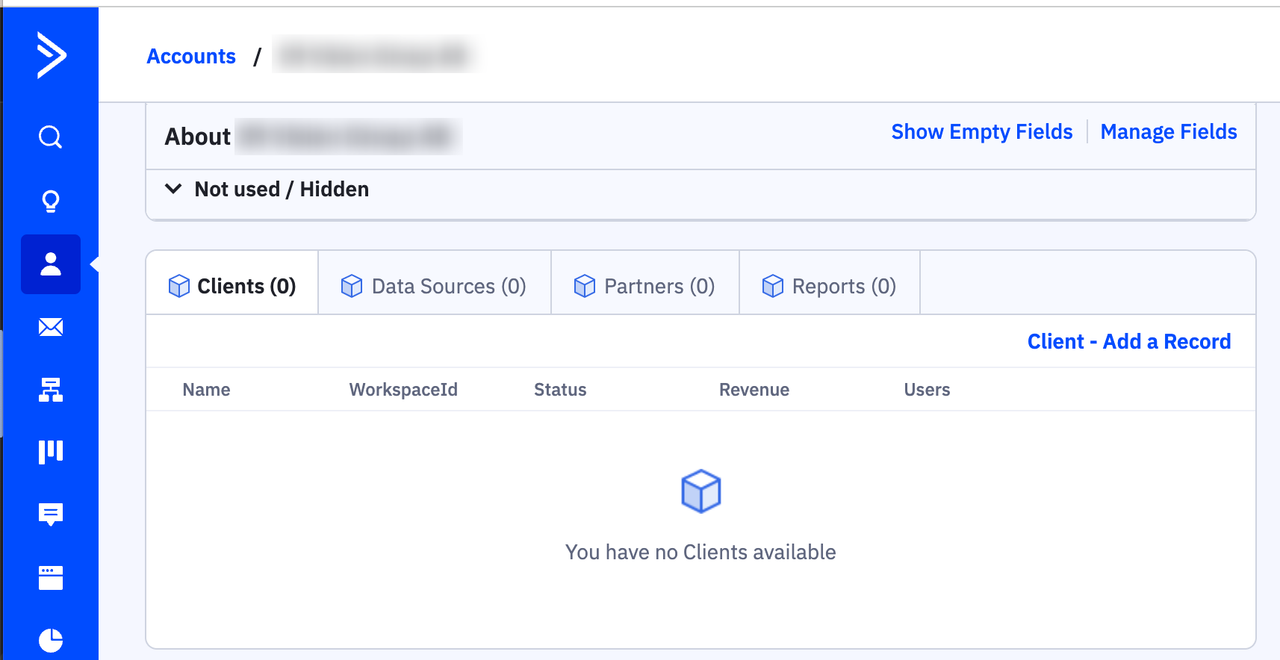
How do I change the order of the Customer Object tabs on Account? See screenshot below.
I want them to appear like:
- Data Sources (we want to this list without having to change tab each time)
- Reports
- Clients
- Partner

Hey!
How do I change the order of the Customer Object tabs on Account? See screenshot below.
I want them to appear like:
Enter your E-mail address. We'll send you an e-mail with instructions to reset your password.

