

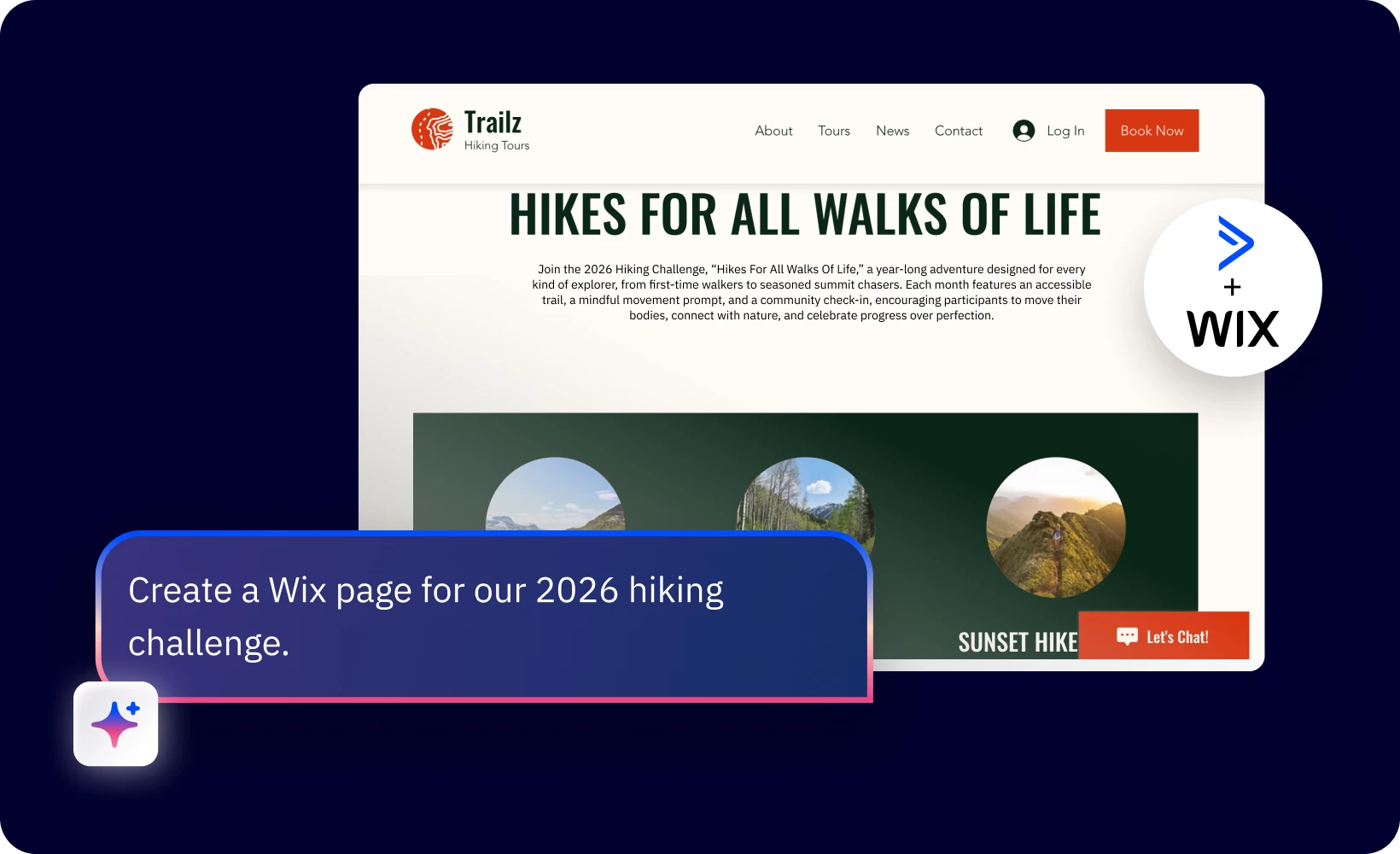
You can now create Wix pages instantly in ActiveCampaign. Your design partner, Active Intelligence is now directly connected to Wix and ready to build pages that will elevate your brand and drive conversions.
✅ Get early access to the Wix Connector
If you have the Wix + ActiveCampaign integration connected, you now have this connector as an option in your Active Intelligence workspace.
🚀How to get started
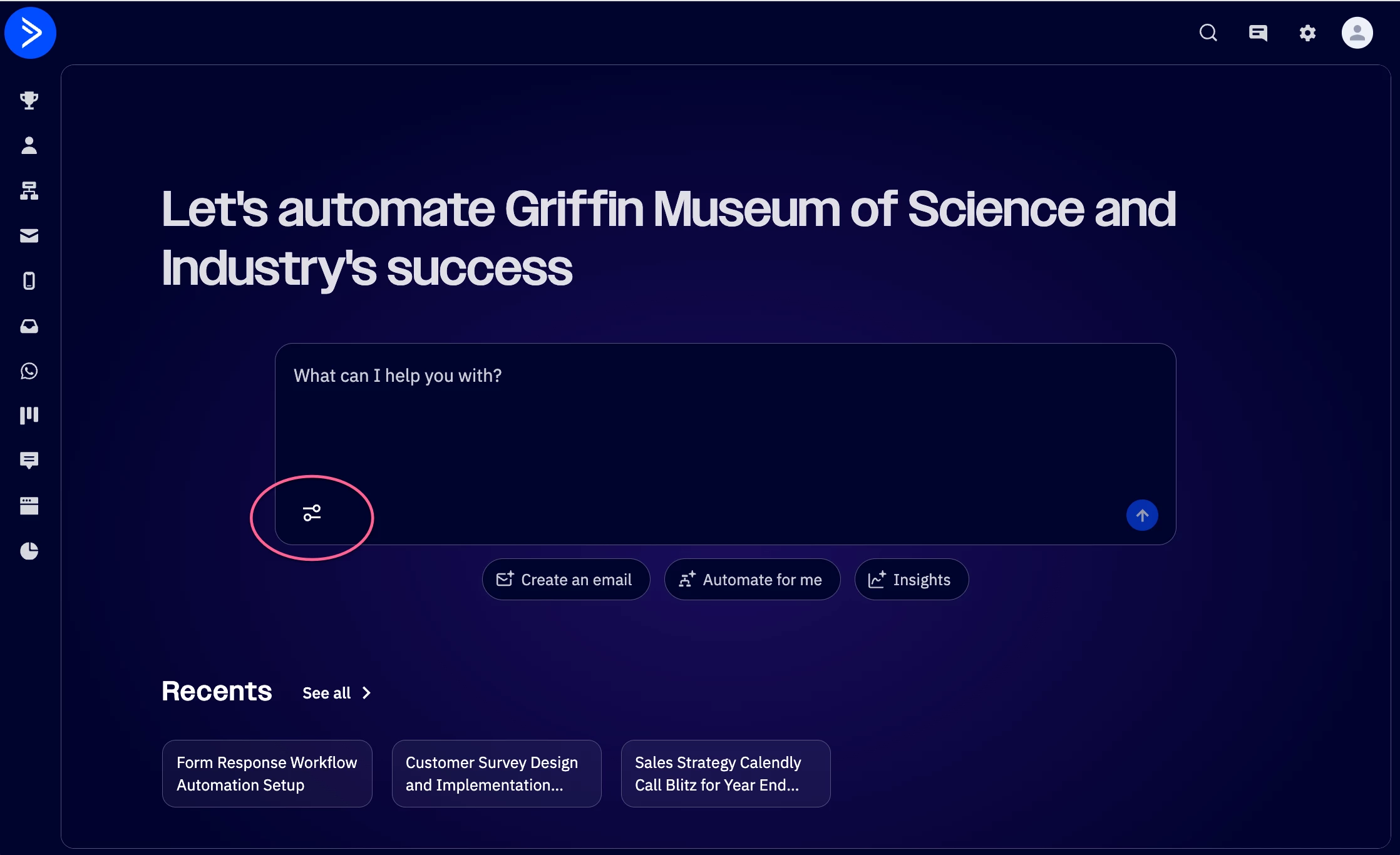
- Starting in the Active Intelligence workspace within your account, click “Connect”.
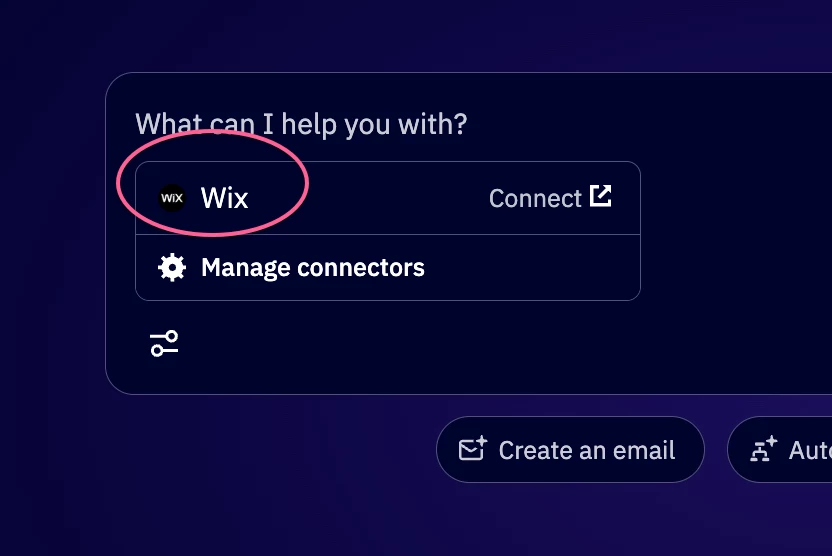
- Select “Wix” and you’ll be guided through providing your Wix login credentials.
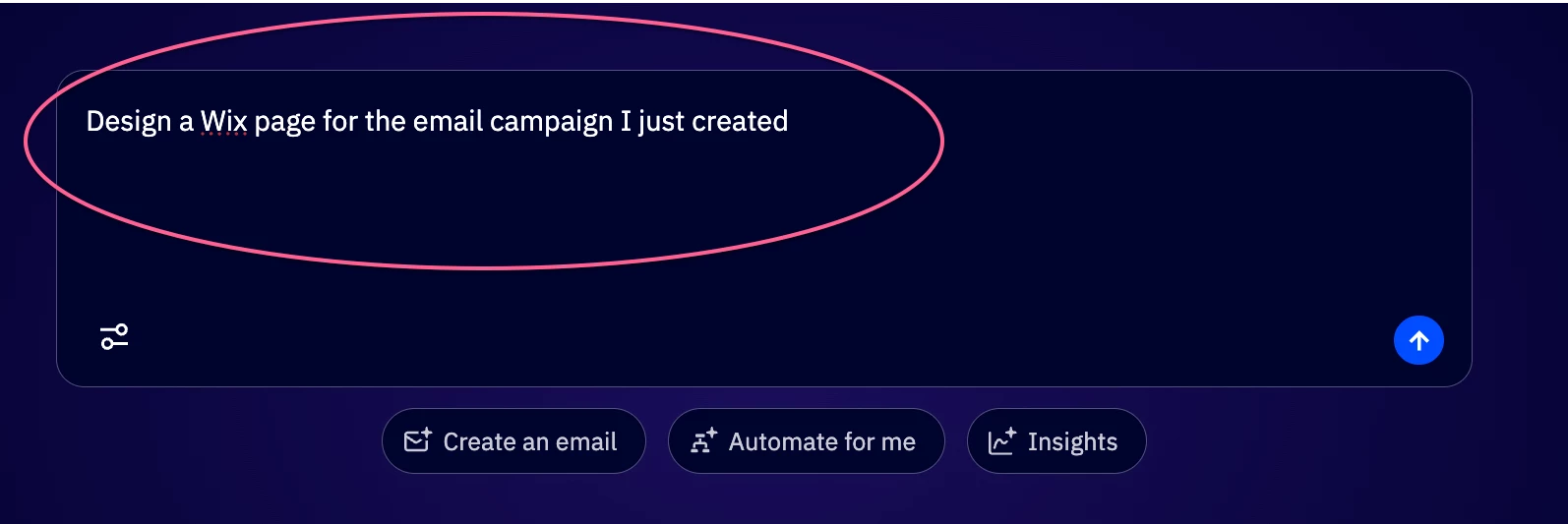
- Once connected, start prompting! See the sample prompts below for suggestions.
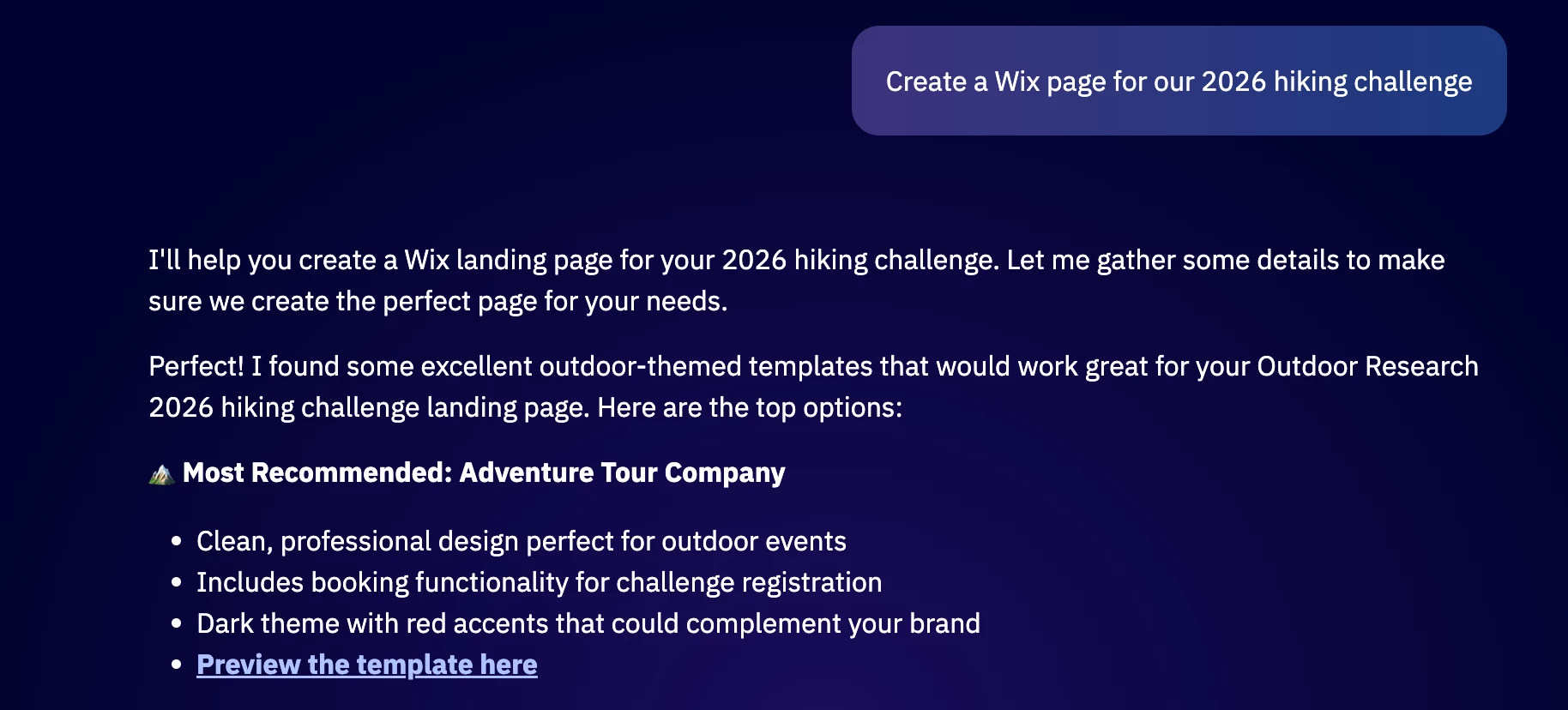
- Pick your favorite template from the options Active Intelligence recommends based on your prompt.
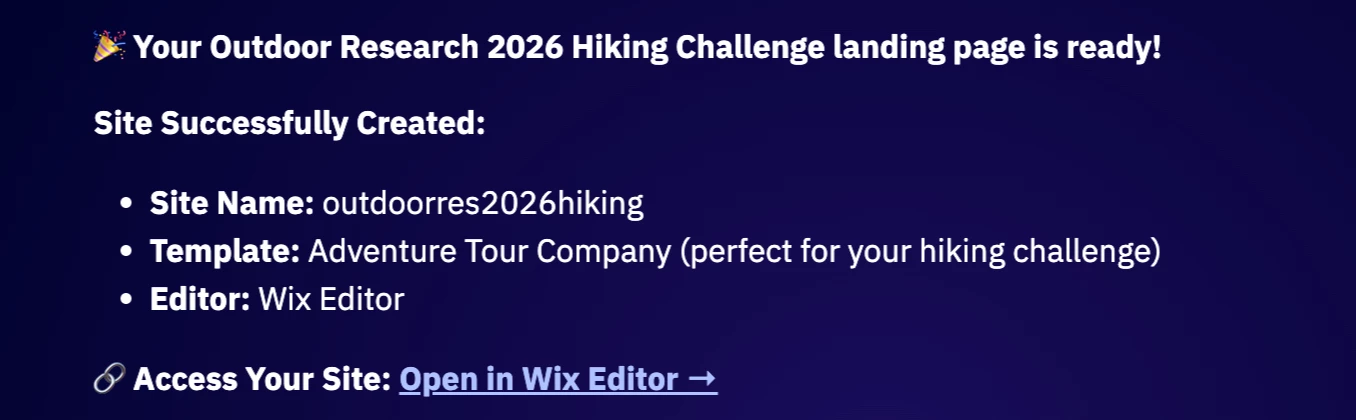
- Active Intelligence will create your new Wix page and provide a direct link to access this page in the Wix editor.
Not seeing the connector in your account?
Please reply to this post or email Alex Murrey, Product Manager, at amurrey@activecampaign.com, and our team will assist you.
💻Sample prompts
- “Design a Wix page for the email campaign I have just created.”
- “Create an email invite series and a Wix page to collect sign-ups for my upcoming event.”
- “Build a Wix page and nurture automation for my new lead magnet.”
Share your thoughts & feedback
🤝Speak with our team for a $50 Amazon gift card
Schedule a quick chat with Product Manager, Alex Murrey, to share your initial thoughts on the Wix Connector. As a thank you, you’ll receive a $50 Amazon gift card.
📋 Feedback form
Tell us what you like about the Wix connector and what can be improved, here.
💬 Reply to this post
You can also share feedback or questions here by replying directly to this post. Our team is monitoring this space and ready to support you.