


Hey everyone!
We're kicking off 2026 with some powerful updates designed to help you work smarter, track what matters, and manage your contact database more effectively. Here's what's new in ActiveCampaign this month:
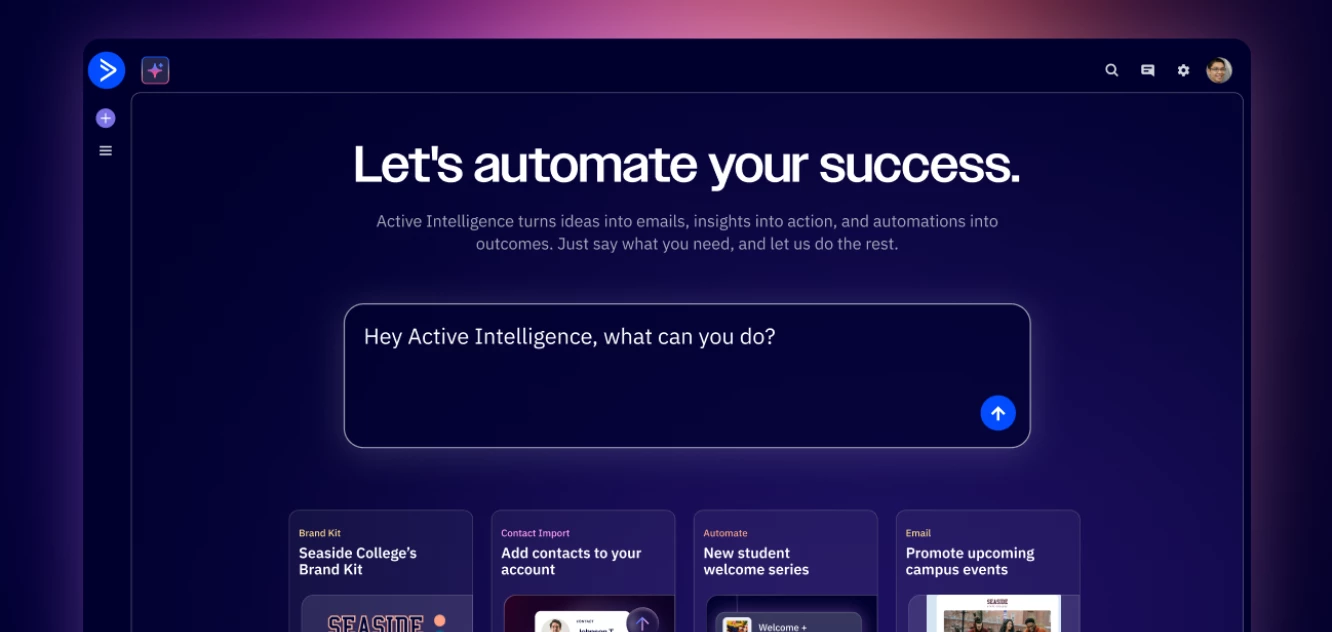
Active Intelligence – Now Available to Everyone
Active Intelligence is now your homepage and available to all team members (not just admins)!
The moment you log in, Active Intelligence is ready to help you create campaigns, analyze performance, and answer questions about your marketing—no more hunting through menus.
What you can do:
- Ask about campaign performance and get actionable insights
- Create email/SMS campaigns and customer journey automations
- Build lead generation forms in seconds
- Turn your marketing ideas into measurable business goals
- Create and manage audience segments
- Pick up where you left off with recent conversations and personalized prompts
Example prompts to try:
- "Build a personalized welcome journey for new subscribers based on what's currently working in my campaigns"
- "How are my emails performing this month?"
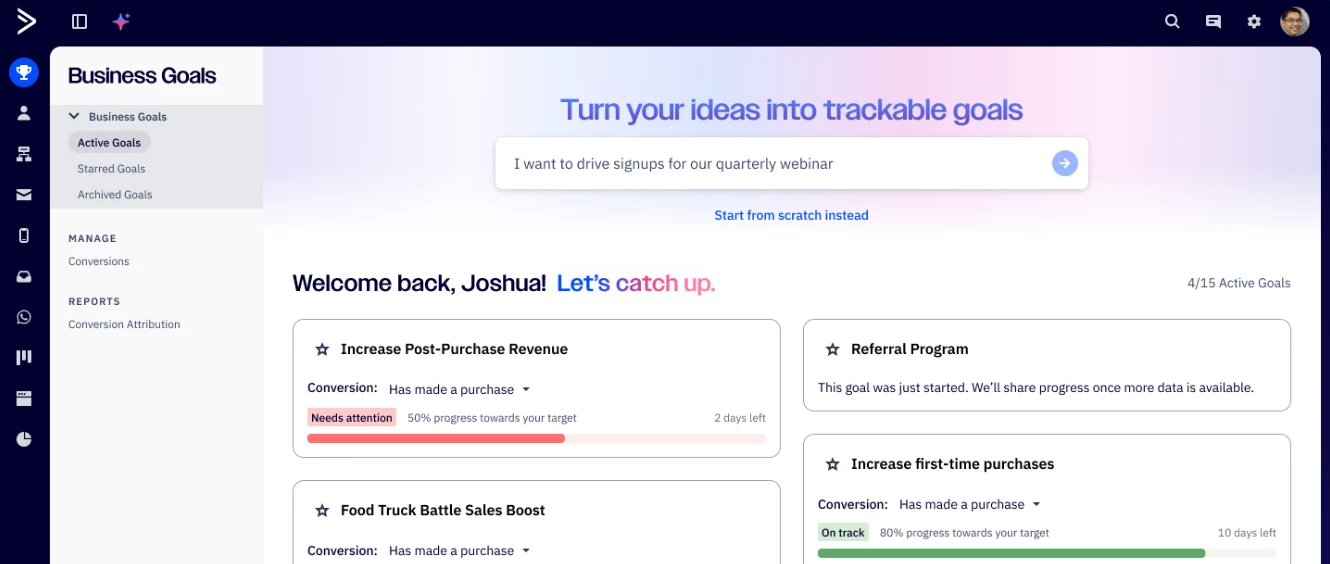
Business Goals Gets Its Own Navigation Hub
Business Goals now has a dedicated home in your main navigation, making it easier to create, organize, and track every goal that matters to your business.
What's new:
- Access Business Goals directly from the main navigation
- Filter goals instantly by Active, Starred, or Archived
- Navigate quickly to conversion management and attribution reporting
- Star important goals for priority tracking
Everything ties together across email, SMS, automations, and forms—so you can see exactly which efforts drive results and make faster, data-backed decisions.
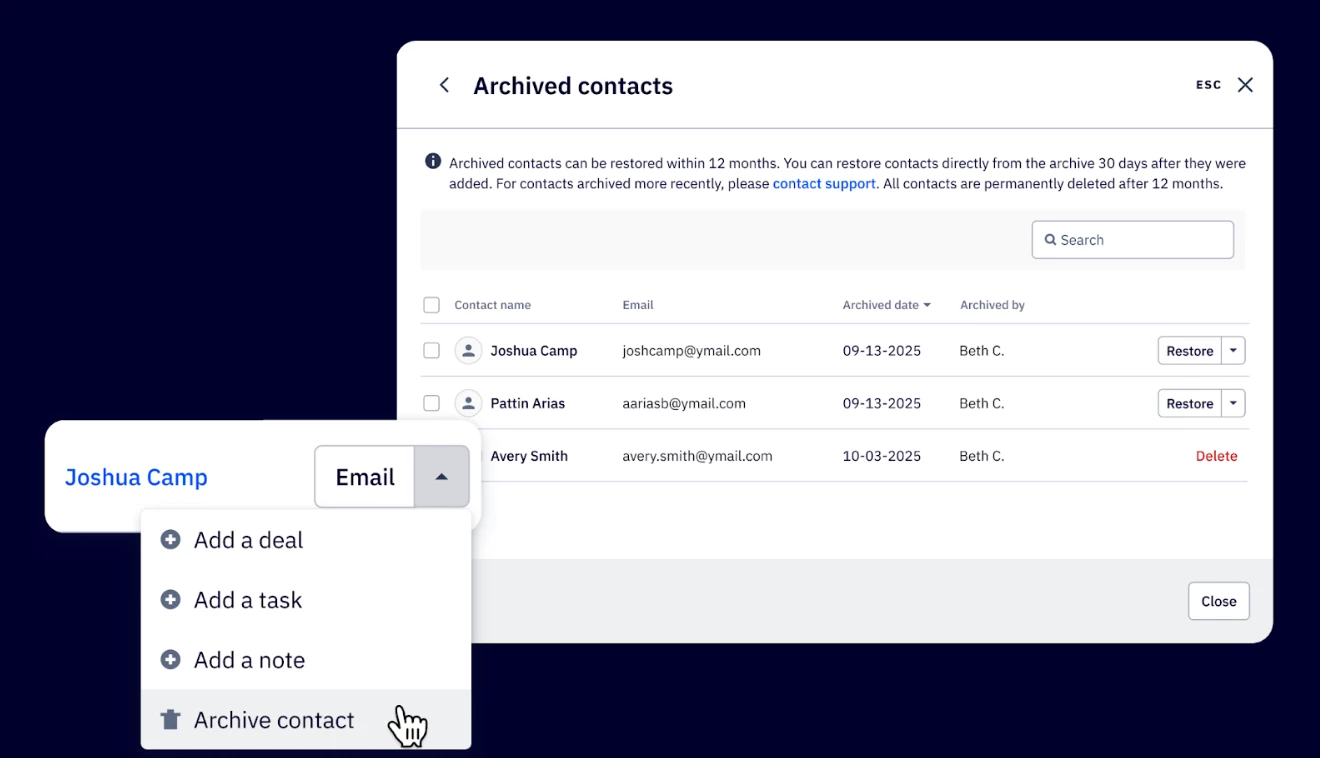
Archive Contacts Instead of Deleting Them
You shouldn't have to choose between preserving customer history and managing your contact limits. With the new contact archiving feature, you can do both.
Here's how it works:
- Archive contacts instead of permanently deleting them
- Archived contacts won't count toward your billable contact limits
- Contacts stay in your system for a full year in case you need them back
- Restore contacts with one click if they re-engage
- Bulk archive up to 100 contacts per page
- After one year, archived contacts are automatically deleted
Archiving gives you flexibility to manage your database without losing data or risking compliance issues.
Watch Chai's January Product Update
Want to see these updates in action? Our Chief Product Officer, Chai Atreya, walks through everything in this month's product video:
What are you most excited about? Drop a comment below and let us know which feature you're planning to try first!